
Upload your room
Take a clear photo or choose one already on your phone.
Upload a photo, explore new furniture and finishes, and see what works before changing a thing.
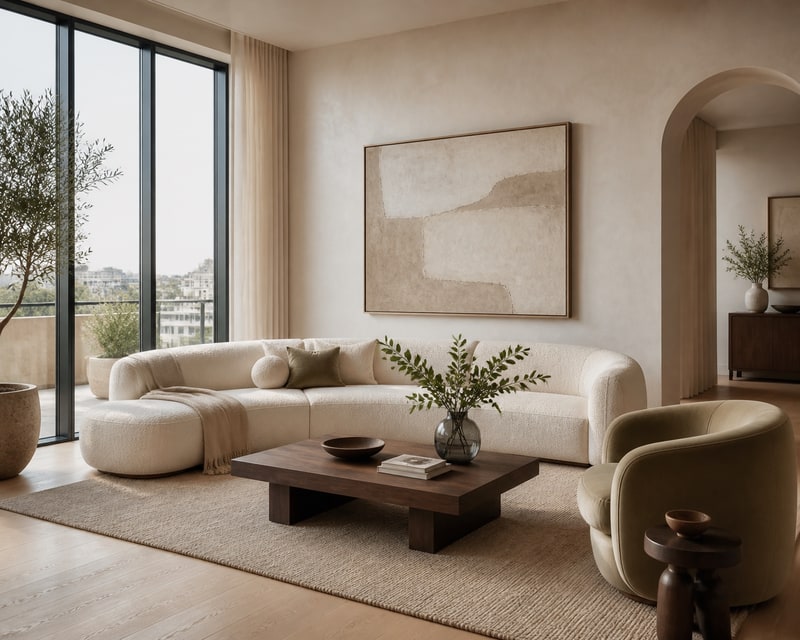 Warm Modern
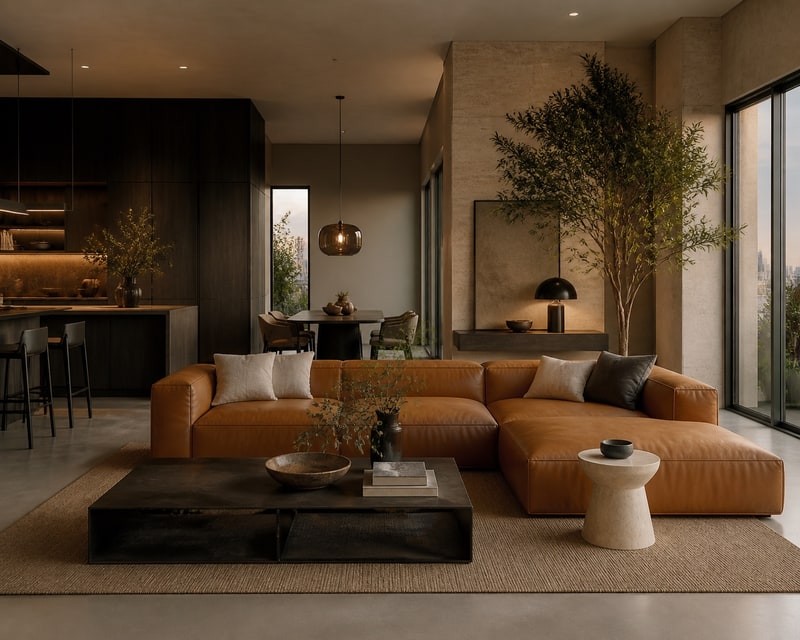 Moody Modern
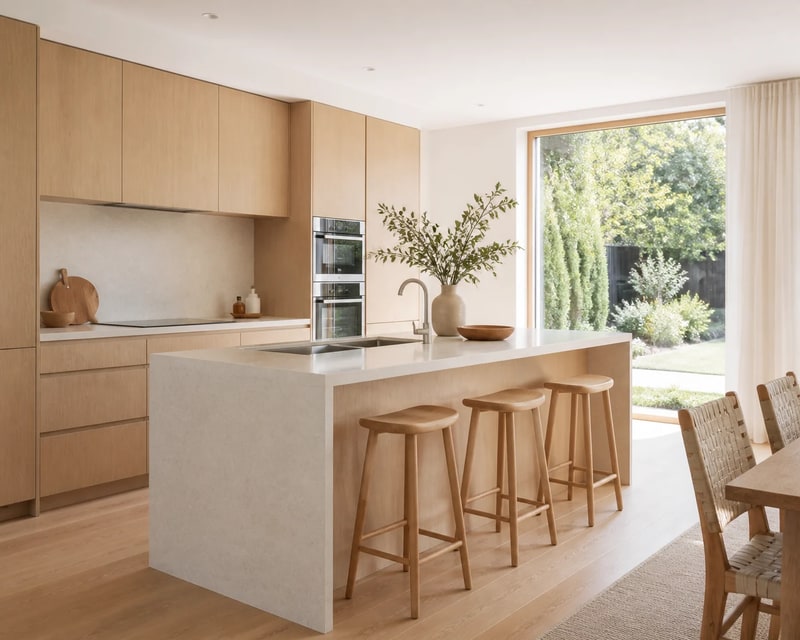 Scandinavian Kitchen
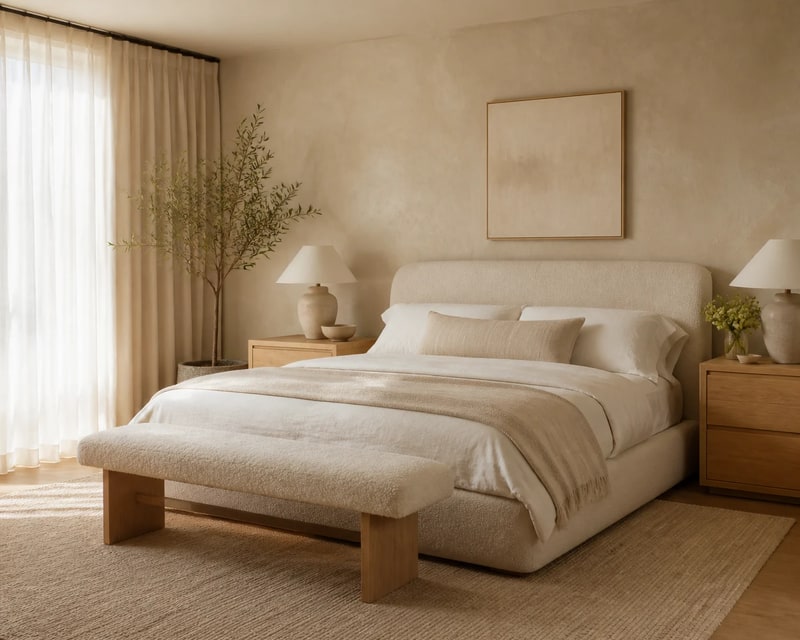 Organic Modern Bedroom
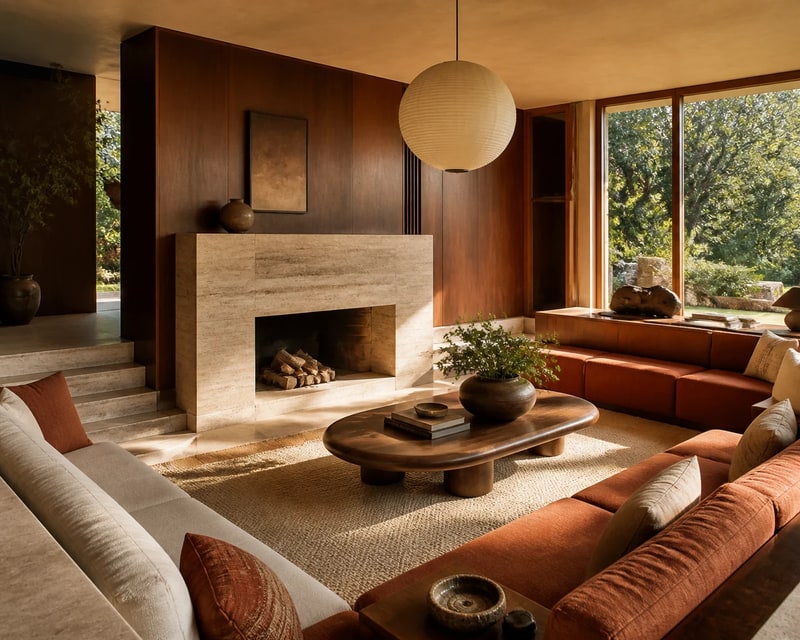 Mid-Century Living Room
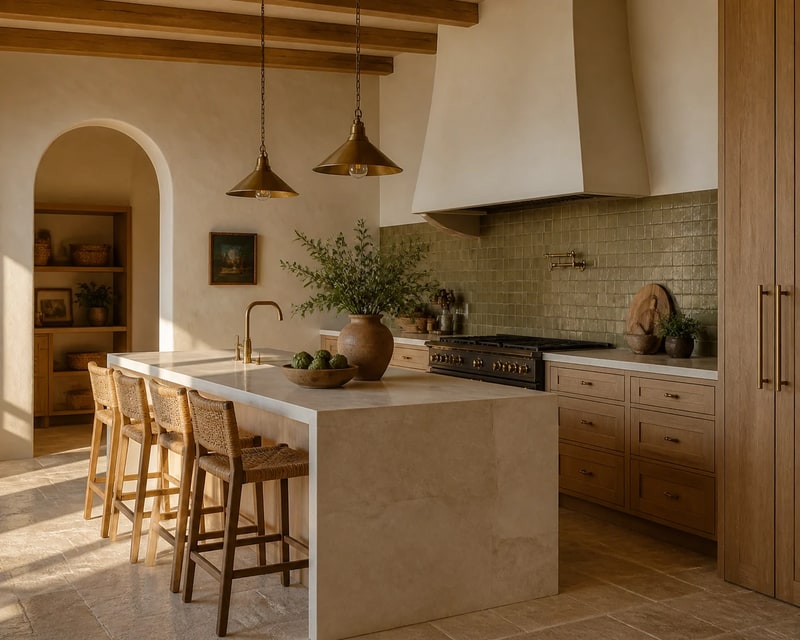 Mediterranean Kitchen
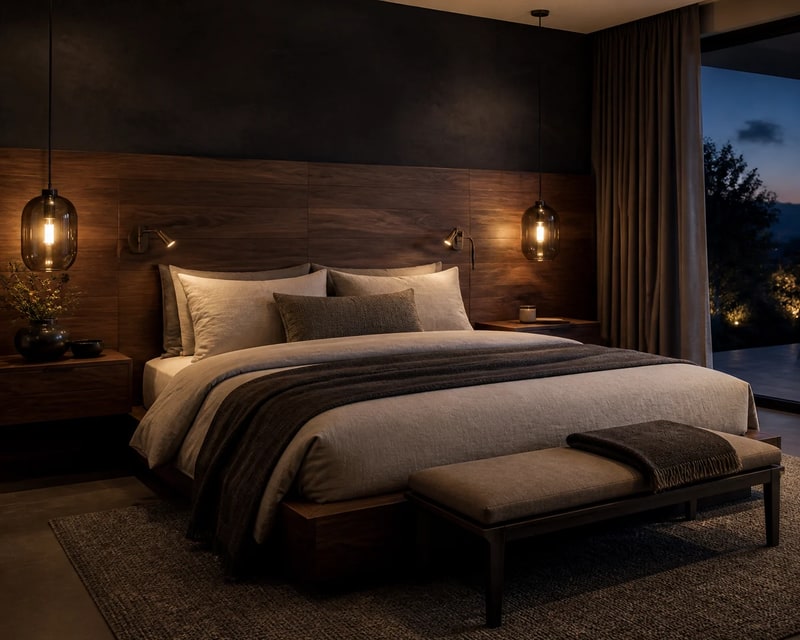 Moody Hotel Bedroom
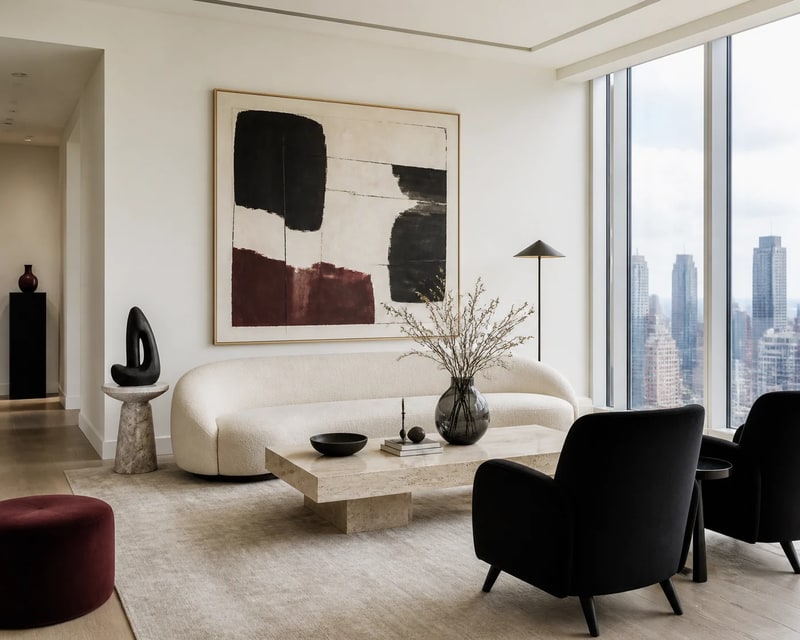 Art Collector Living Room
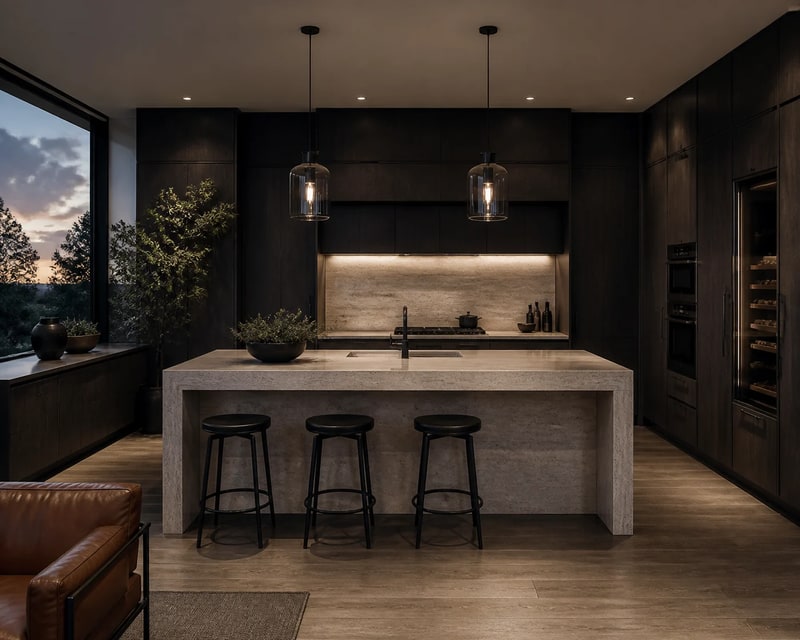 Dark Contemporary Kitchen
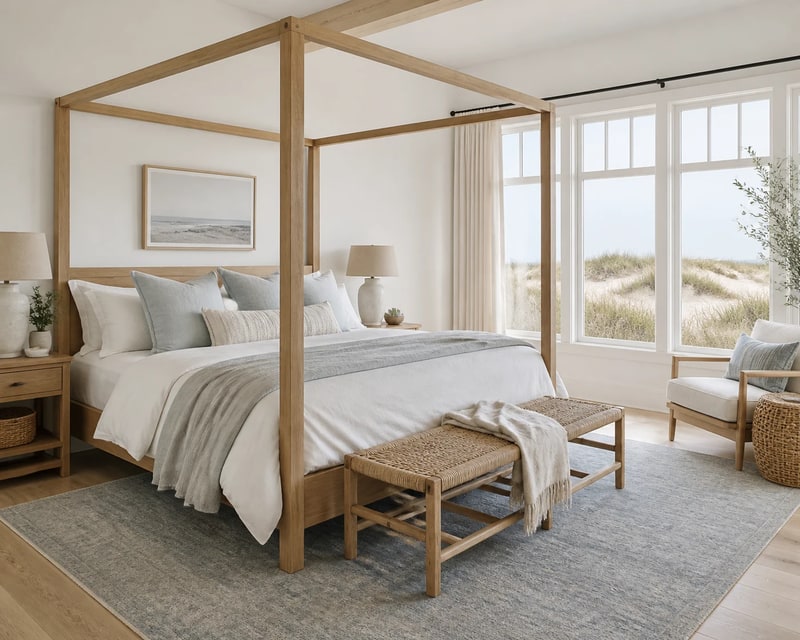 Coastal Bedroom
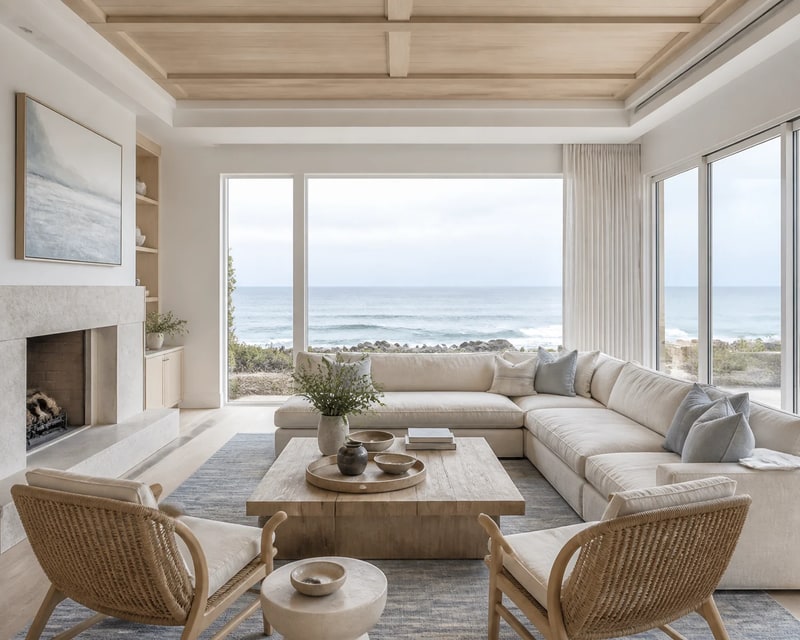 Coastal Living Room
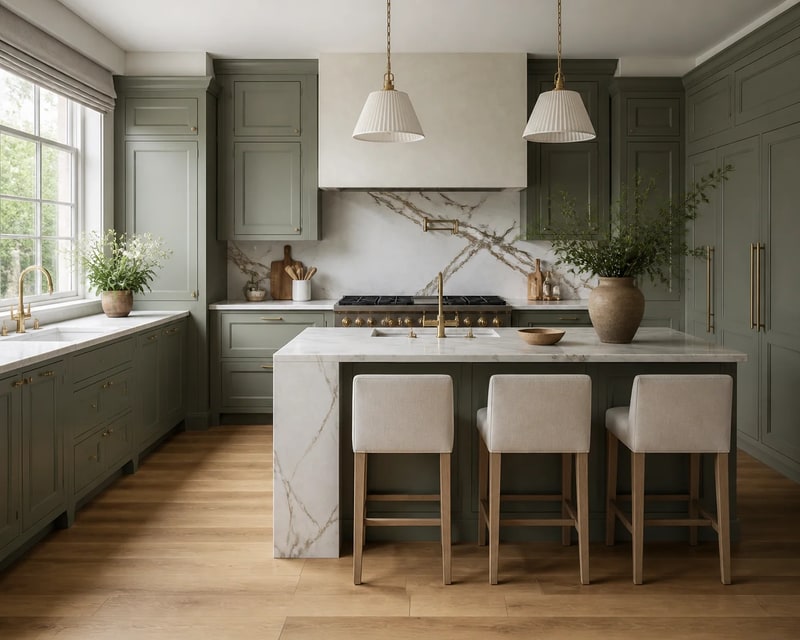 Modern English Kitchen
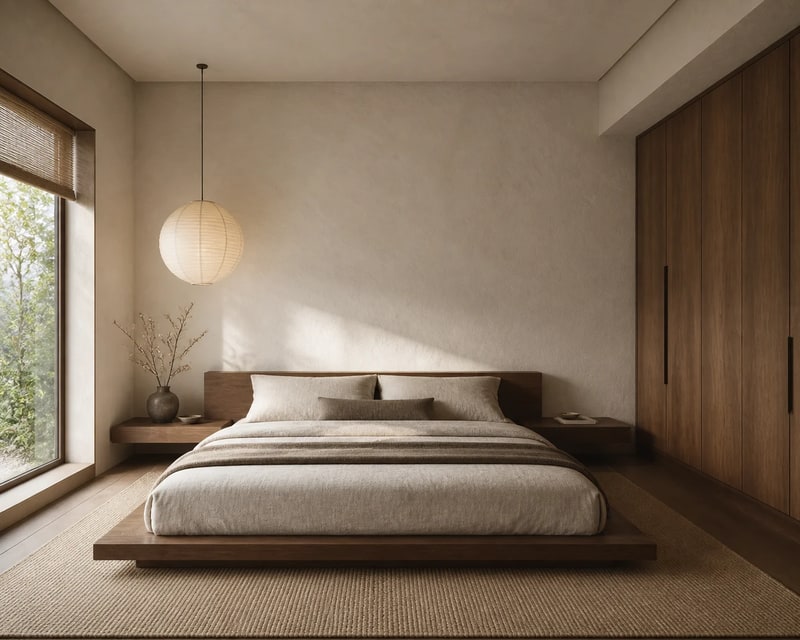 Japandi Bedroom
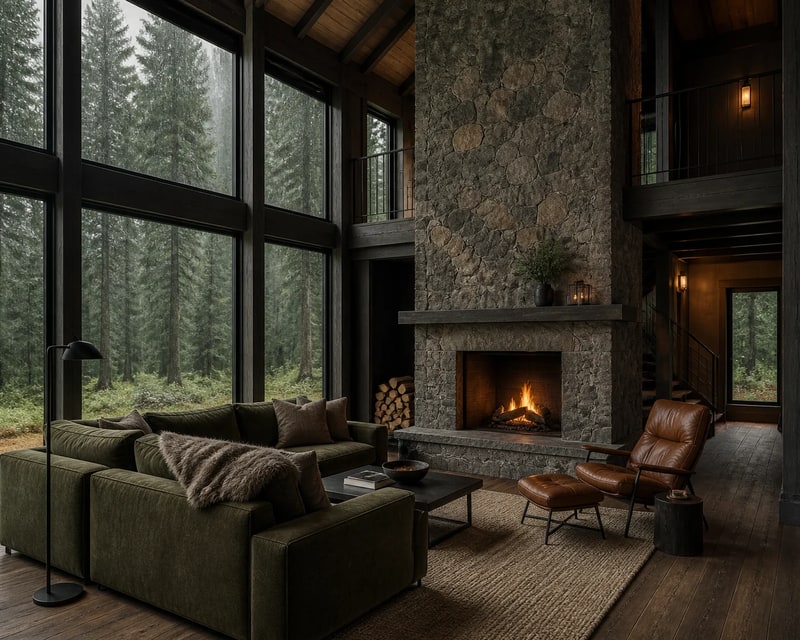 Forest Cabin Living Room
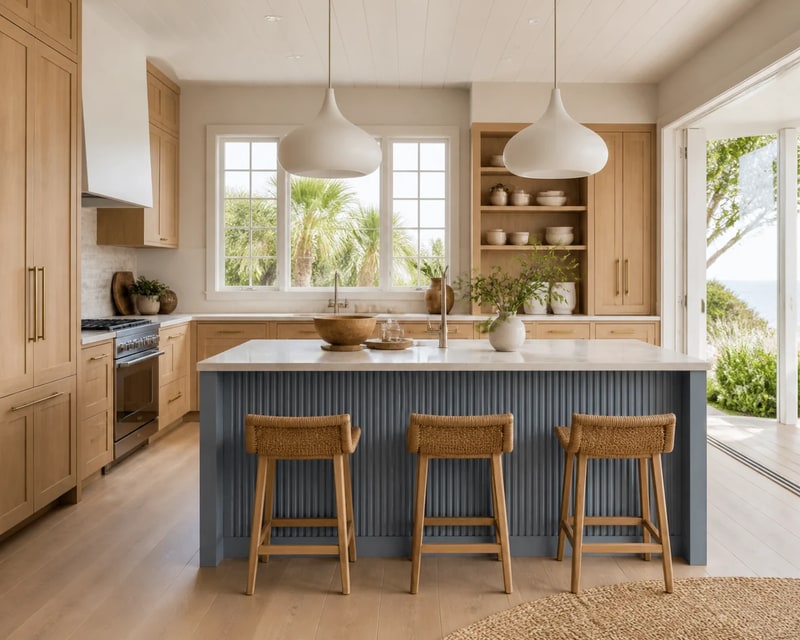 Coastal Kitchen
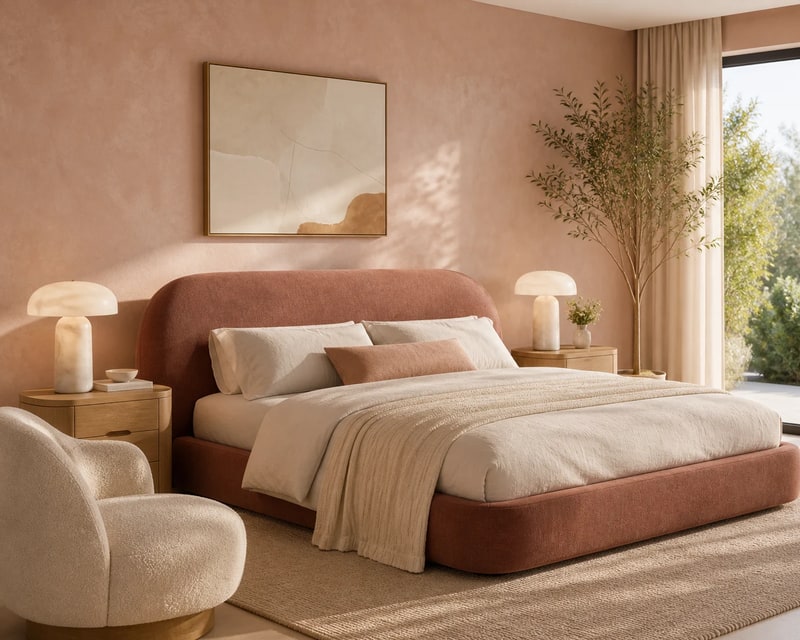 Soft Contemporary Bedroom
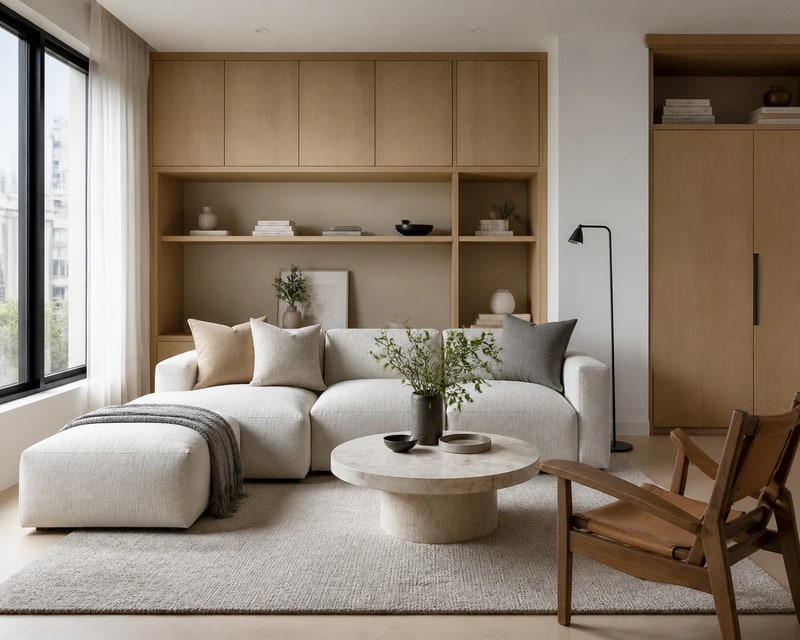 Compact Minimal Living Room
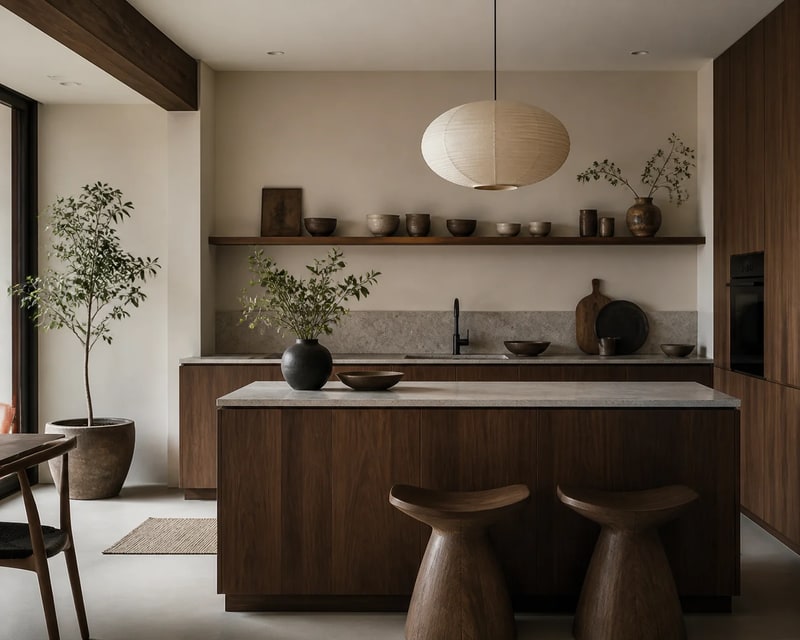 Japandi Kitchen
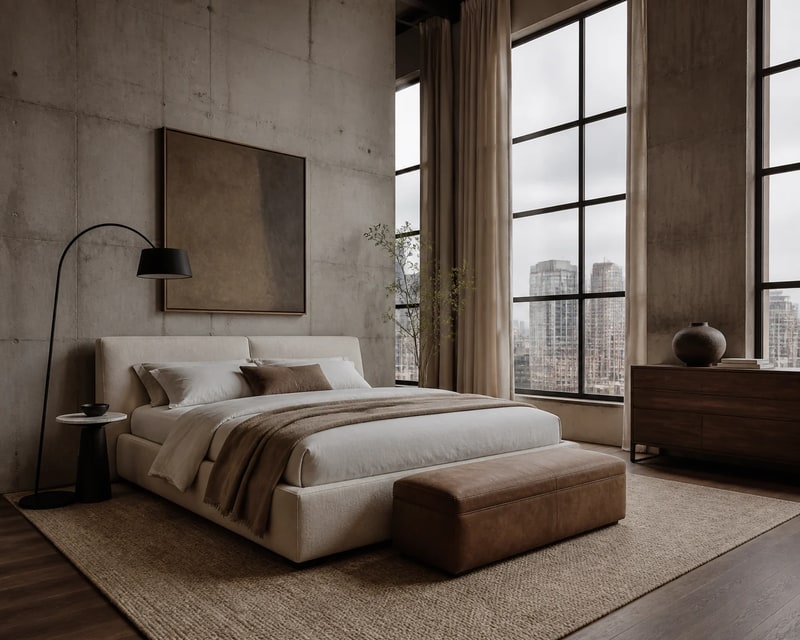 Urban Loft Bedroom
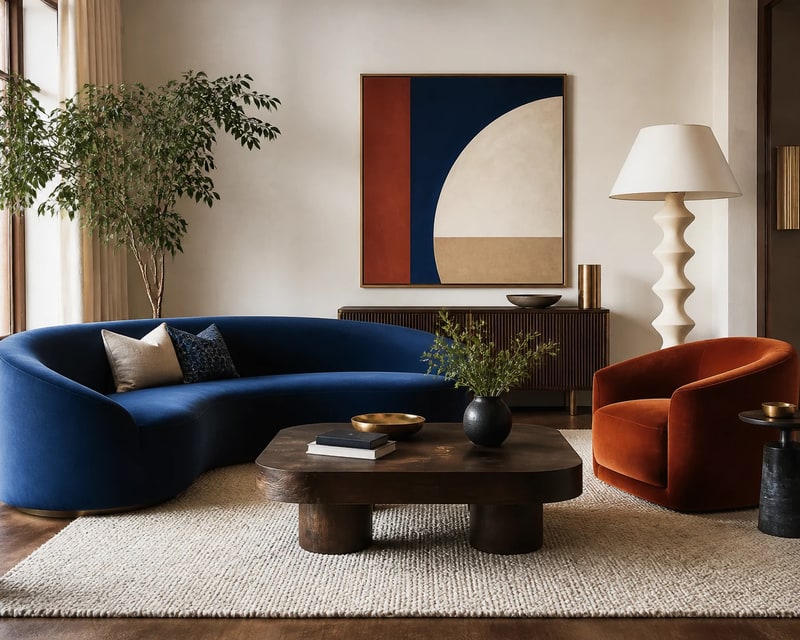 Colorful Modern Living Room
From one room photo to a design you can actually picture—in four quick steps.
Take a clear photo or choose one already on your phone.
Choose the room type and the interior style you want to explore.
AI updates the furniture, finishes and mood while keeping your room intact.
Compare your favourite ideas, make another version and save the result.
Compare the original with an AI redesign across every feature in AI Smart Decor.
Redesign your existing room while keeping its layout and architectural details recognisable.
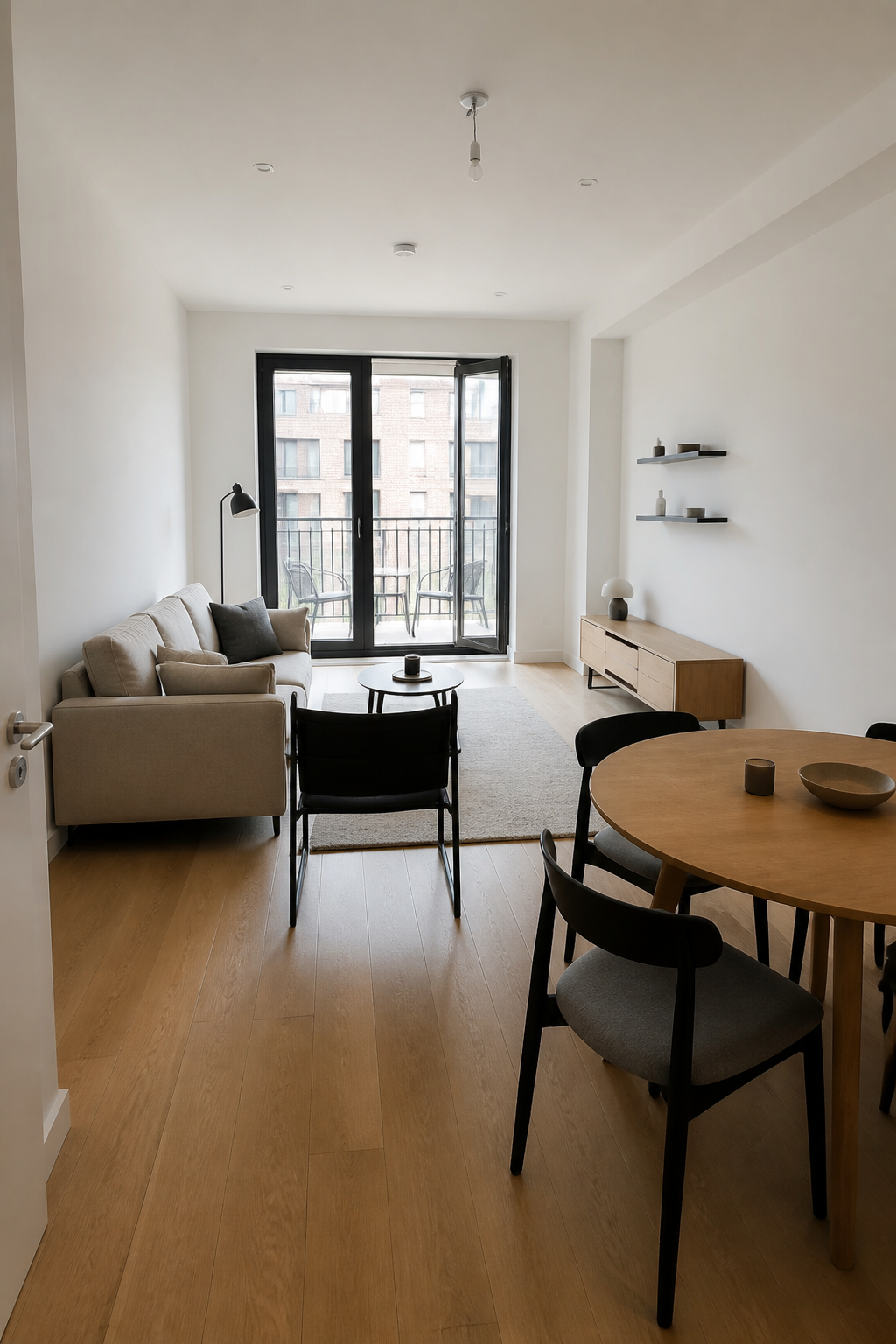
Explore feature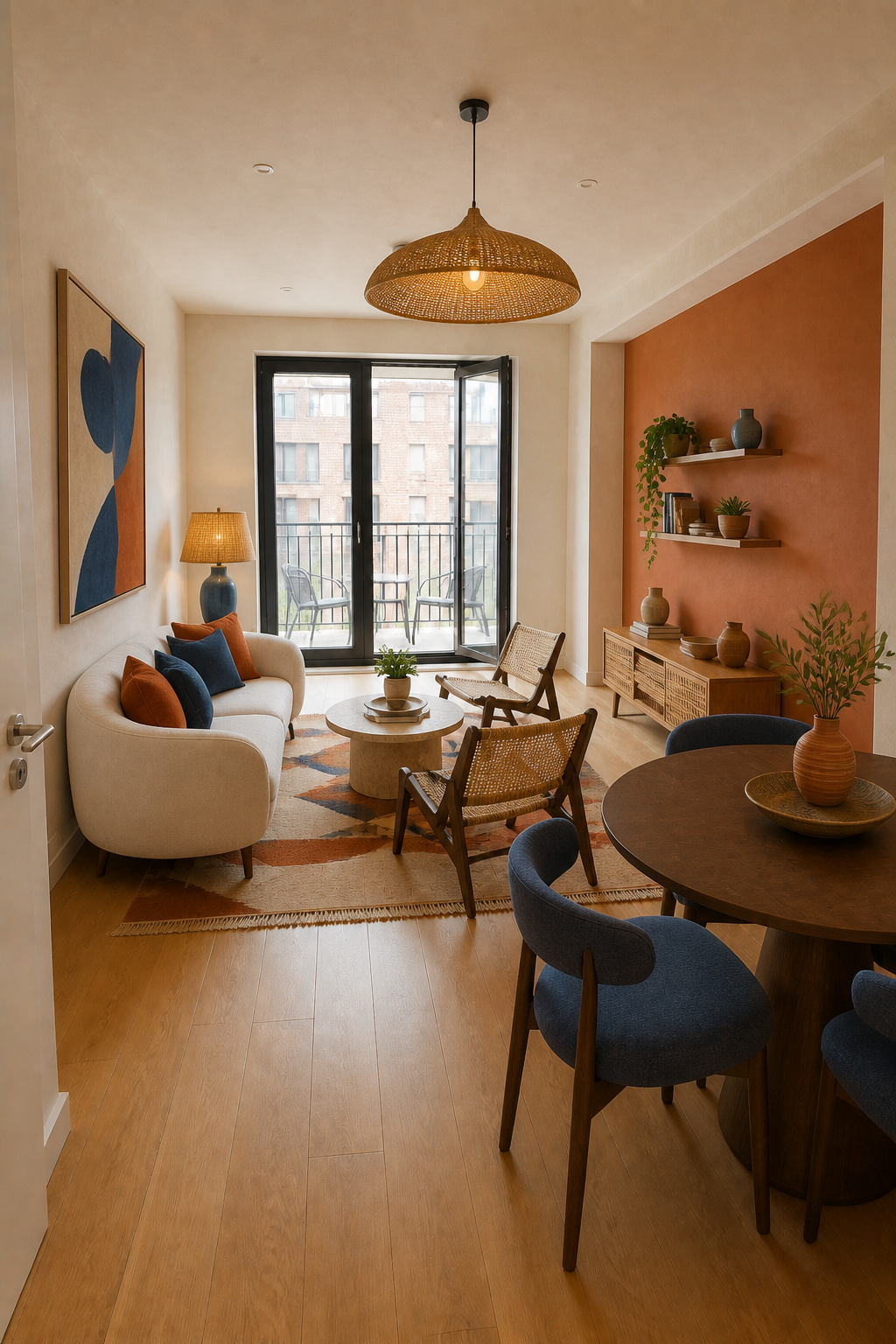
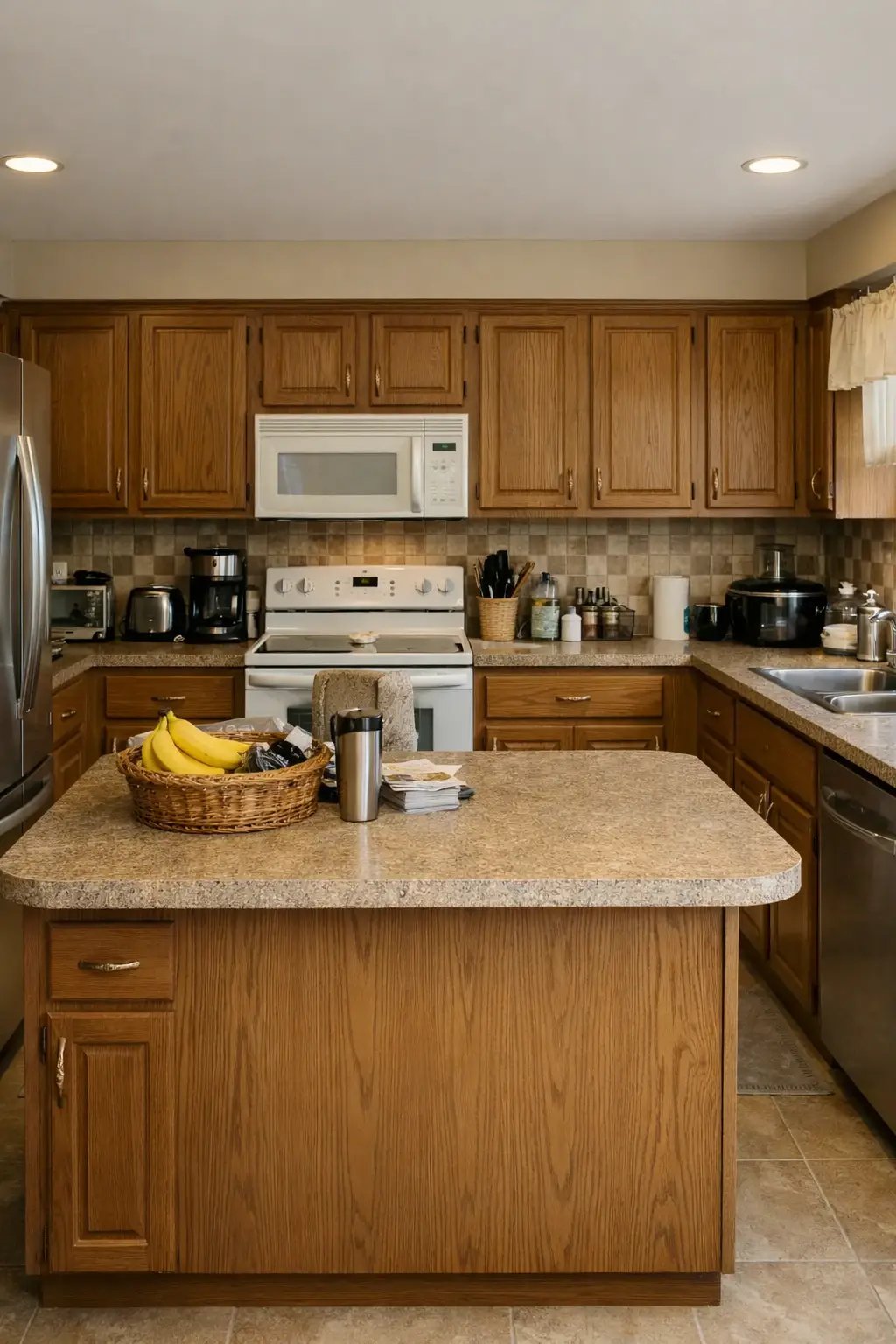
Explore new cabinets, counters, lighting and finishes on a photo of your own kitchen.
Explore feature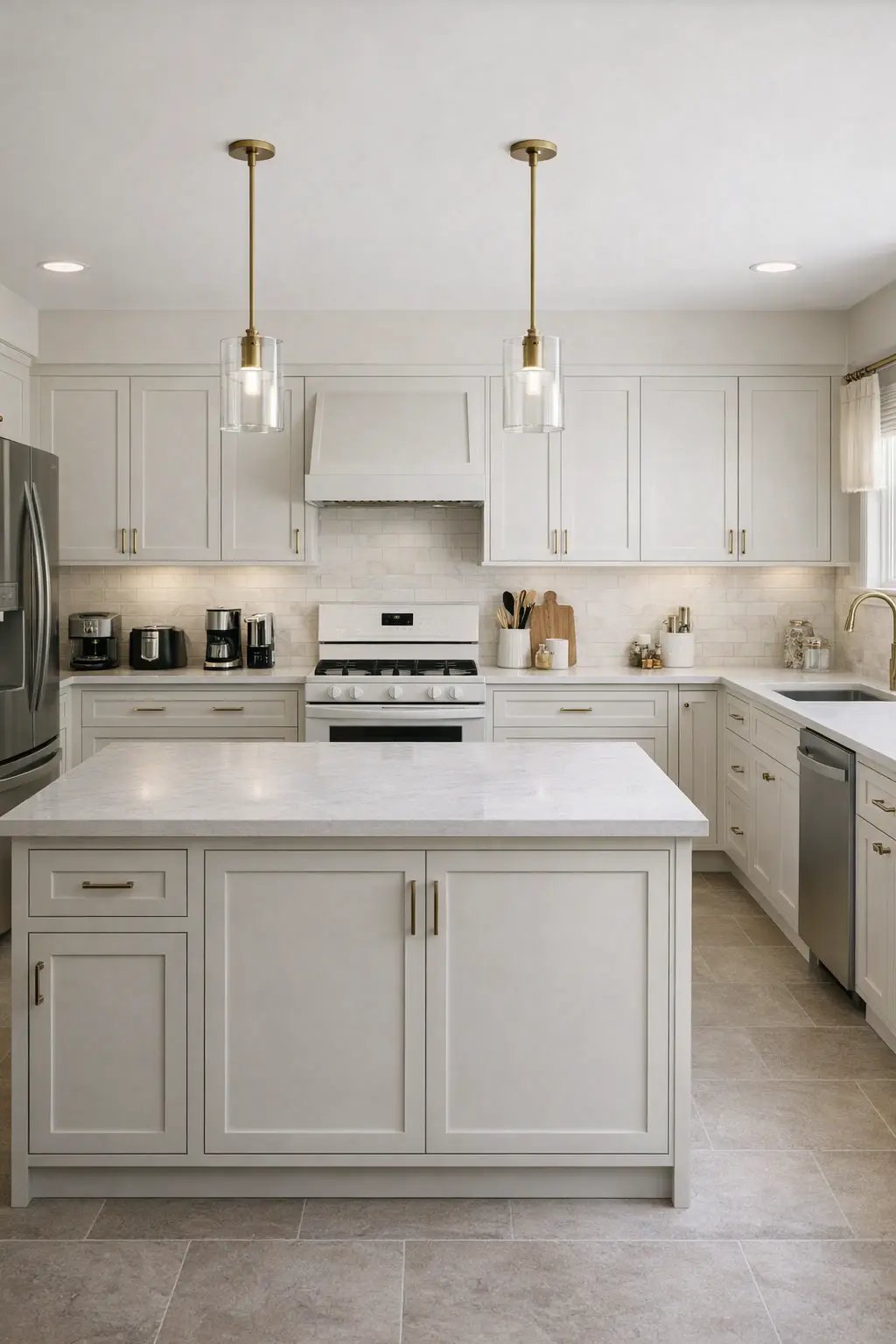
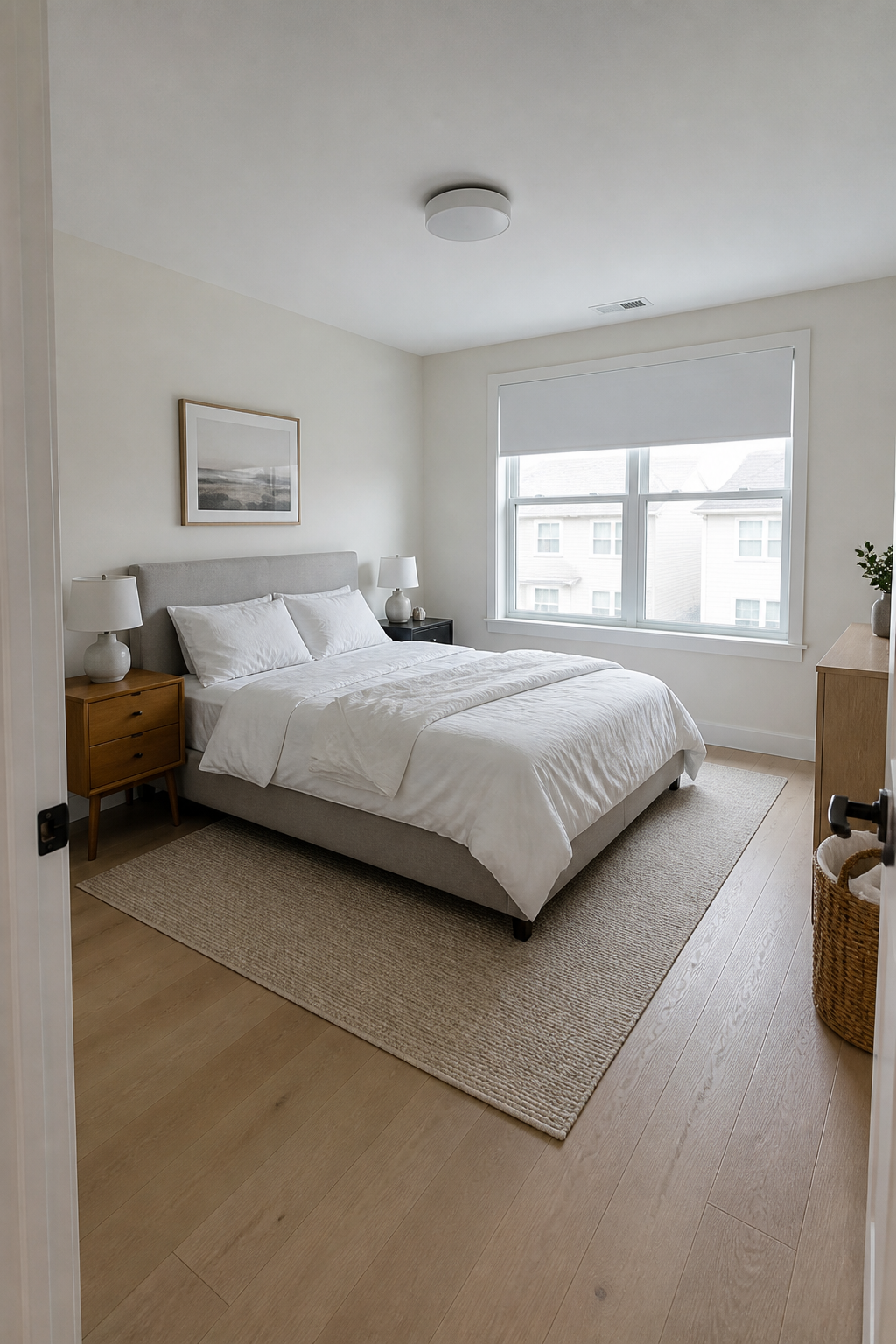
Try complete bedroom directions, from furniture and fabrics to colour and lighting.
Explore feature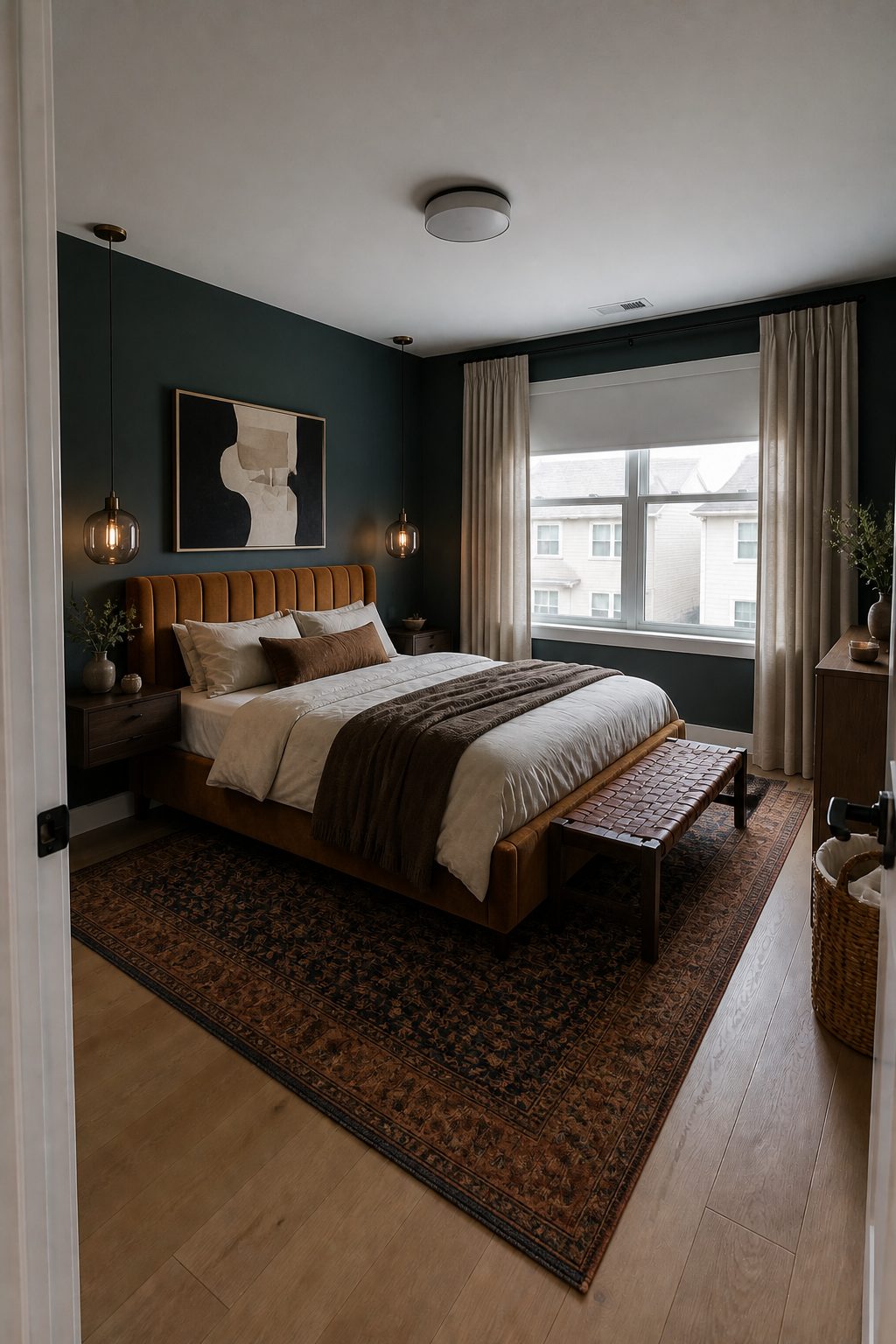
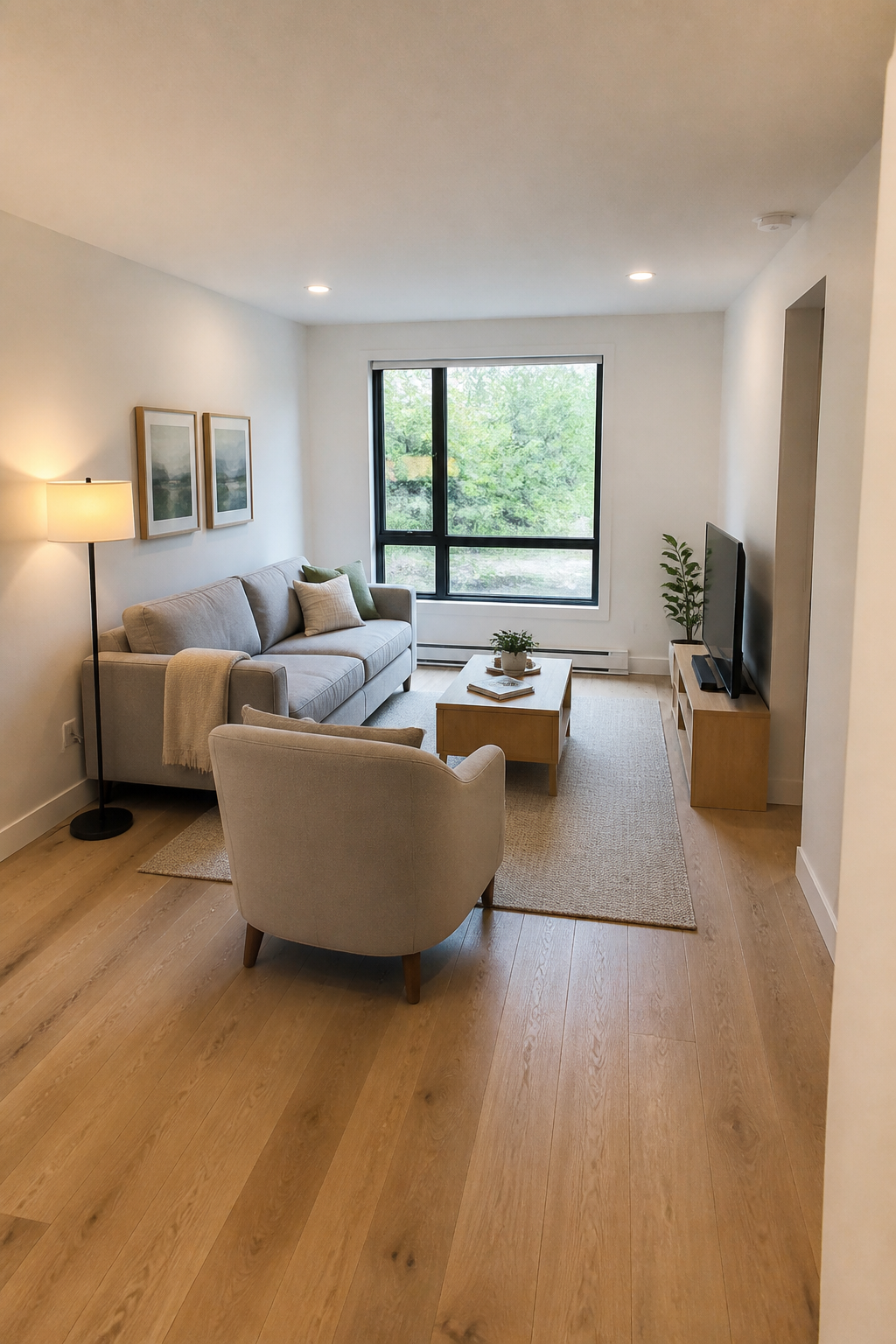
Test sofas, layouts, artwork and decor without losing the character of your room.
Explore feature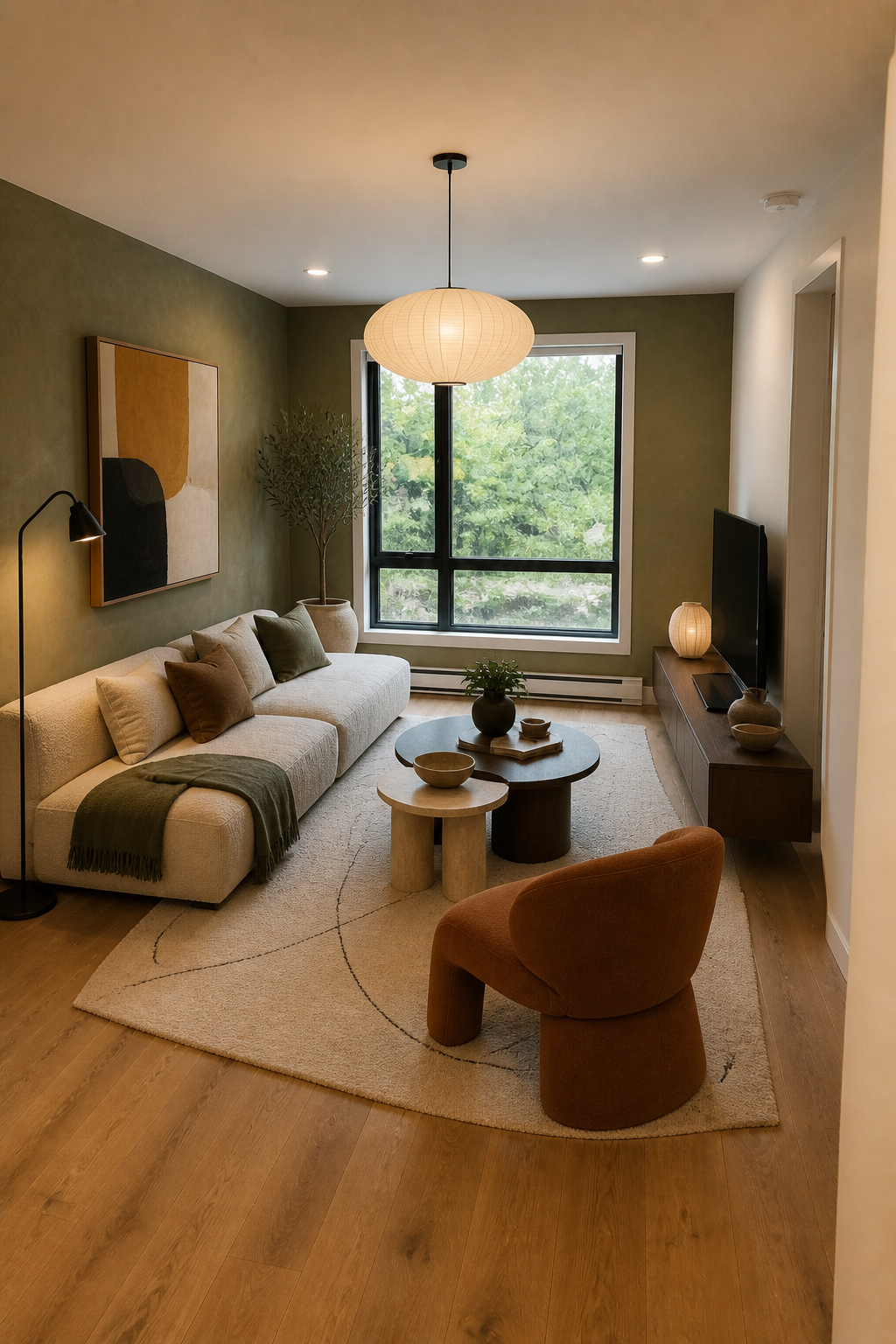
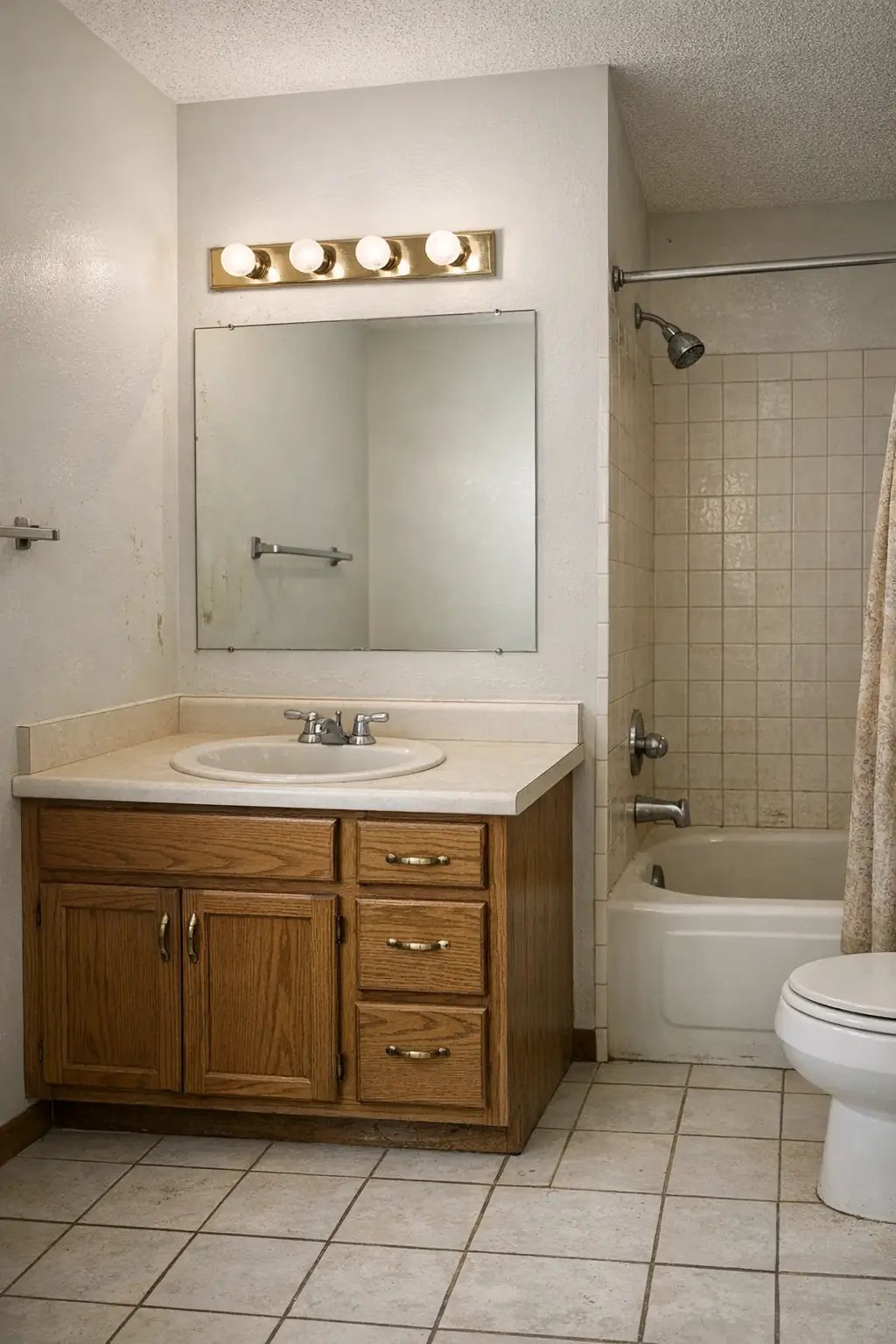
Preview a refreshed bathroom with new surfaces, fixtures, storage and lighting.
Explore feature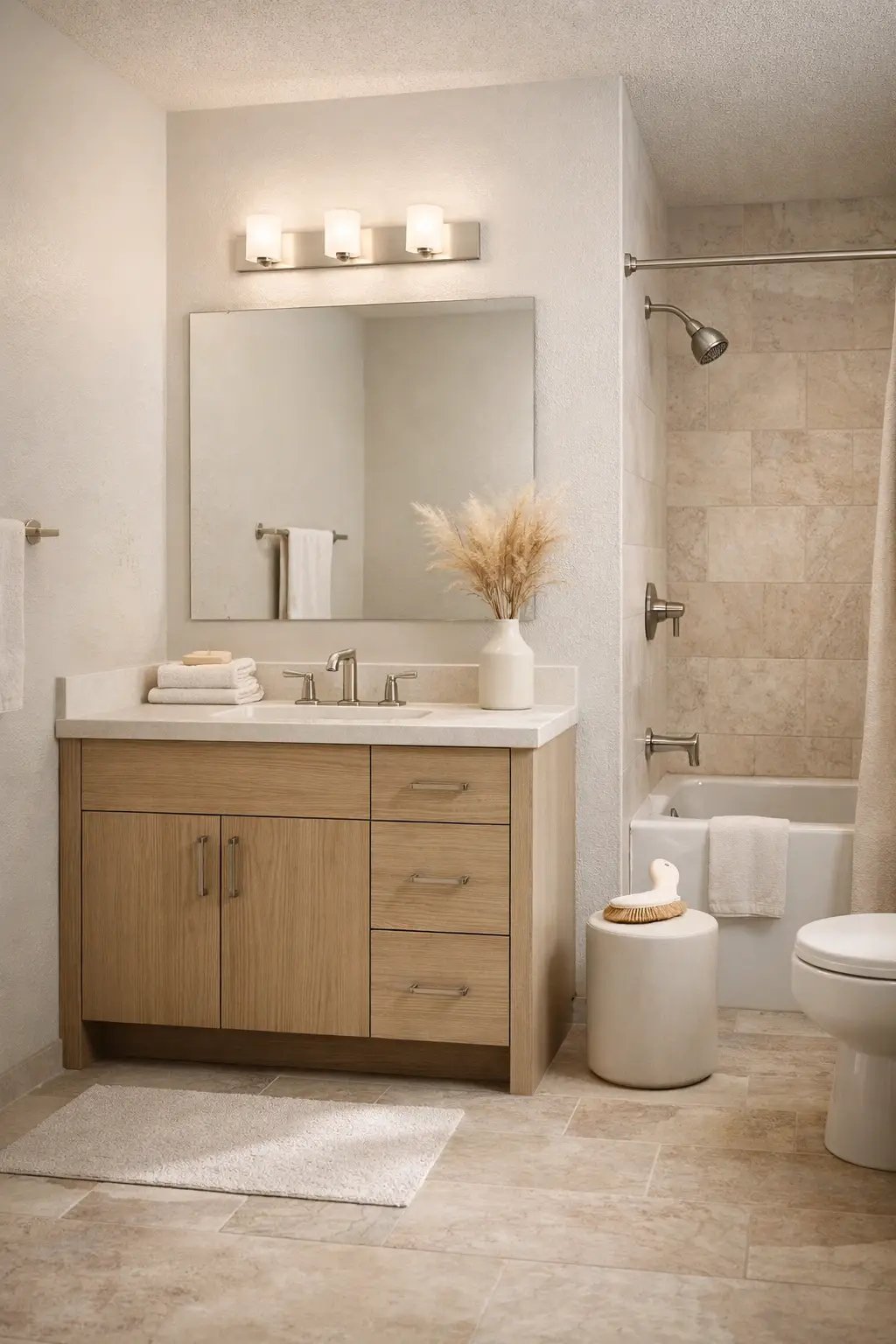
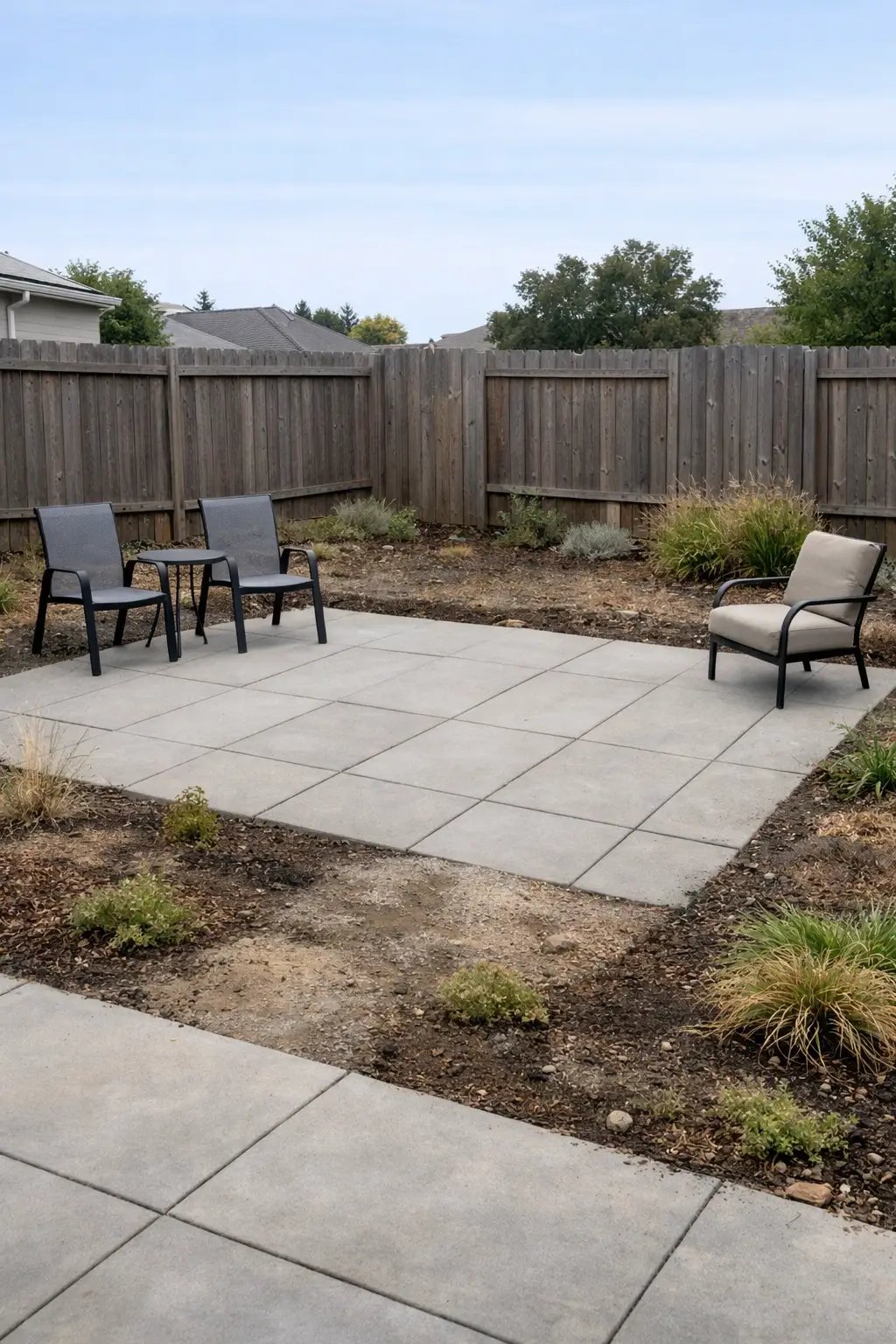
Visualise planting, furniture and landscaping ideas in your existing outdoor space.
Explore feature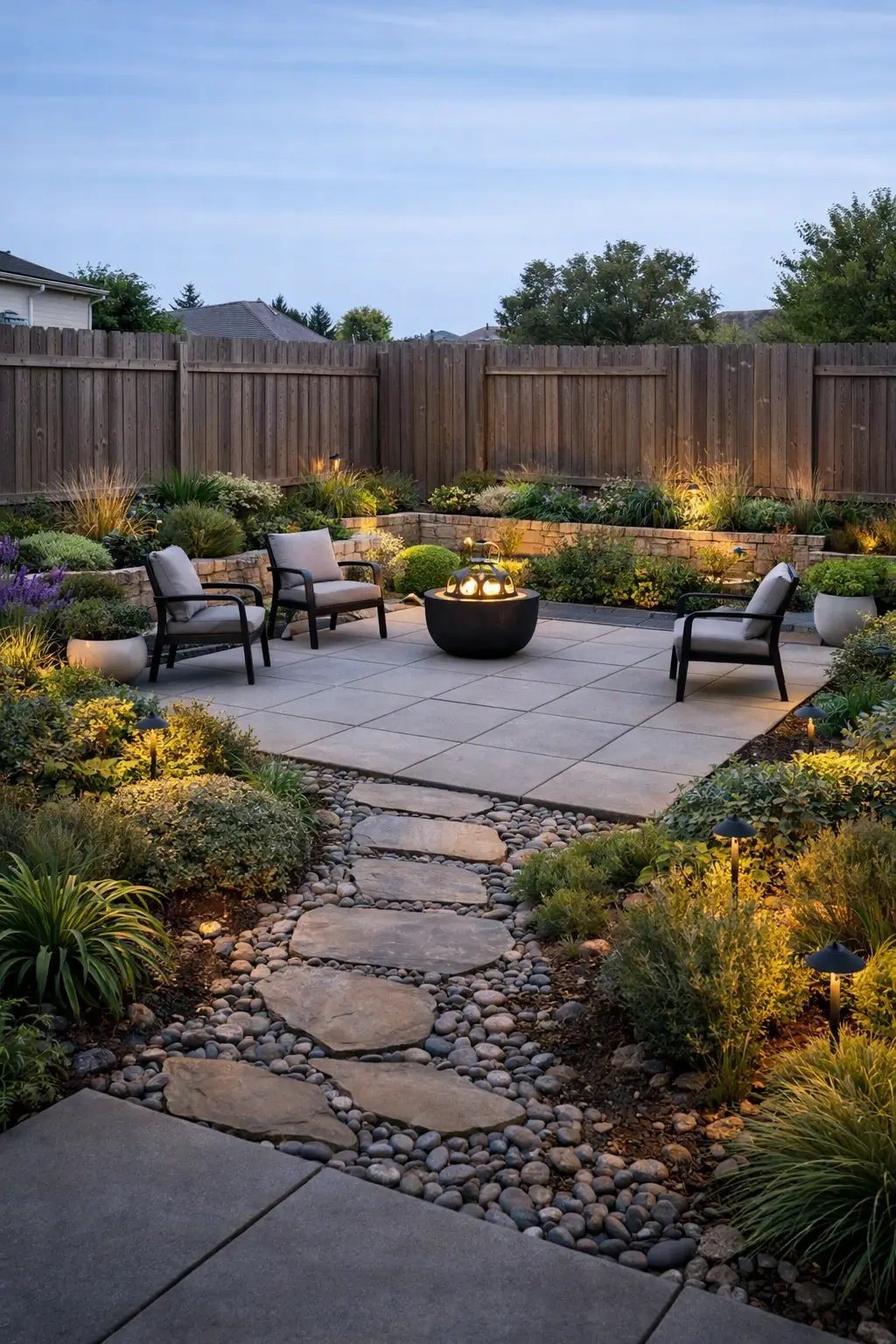
Turn an empty property photo into a furnished, listing-ready room in seconds.
Explore feature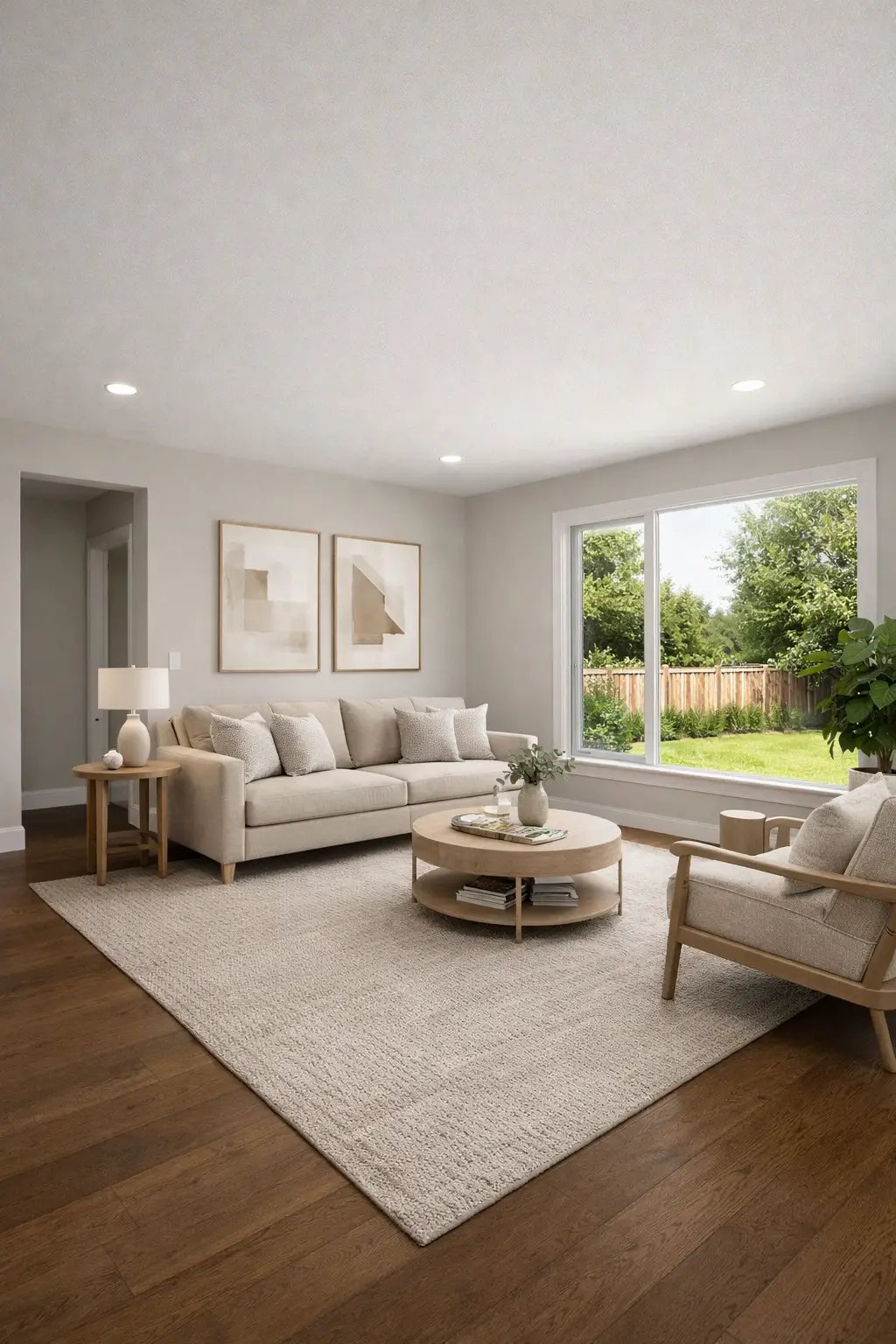
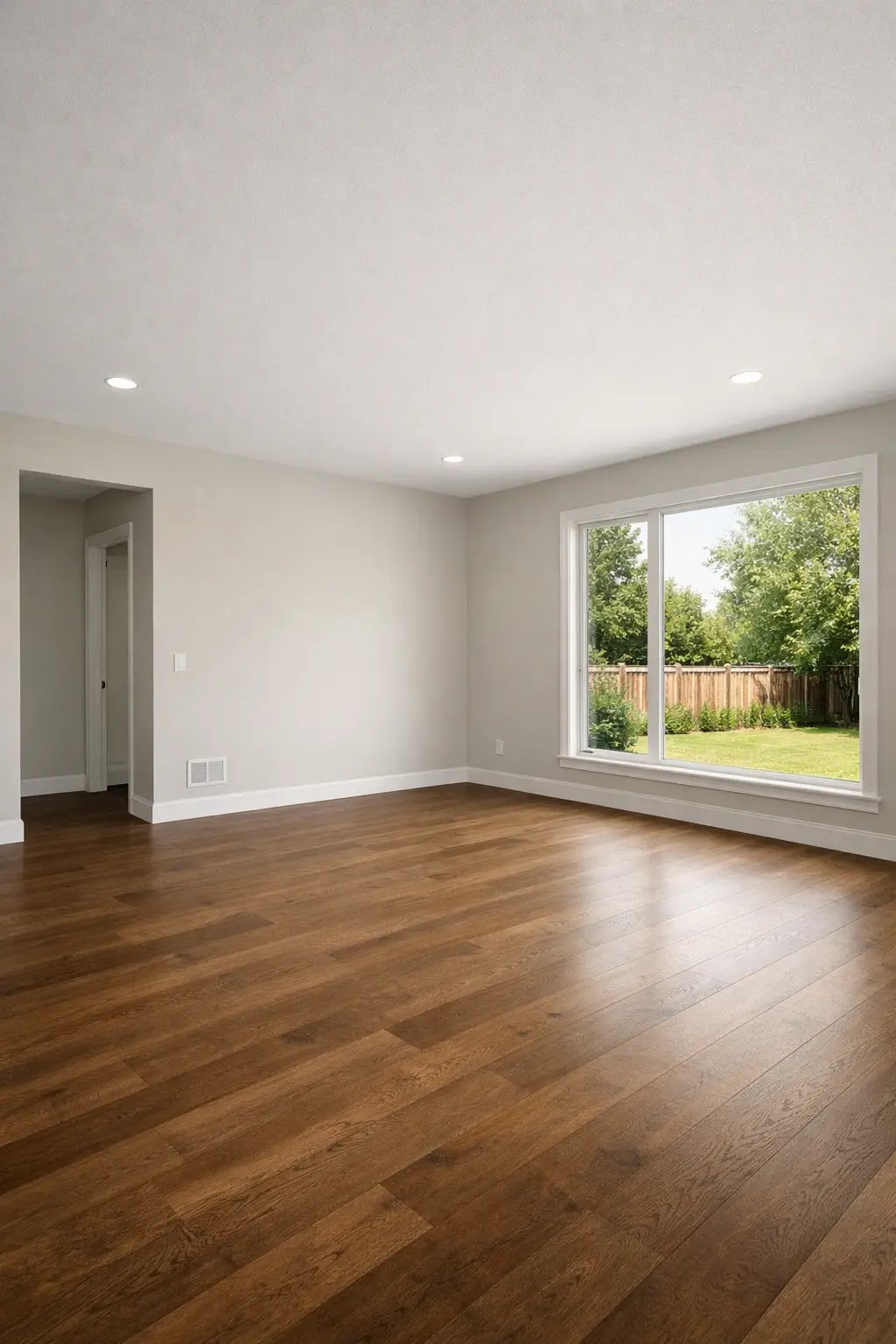
Show buyers the potential in empty or dated spaces before a property goes live.
Explore feature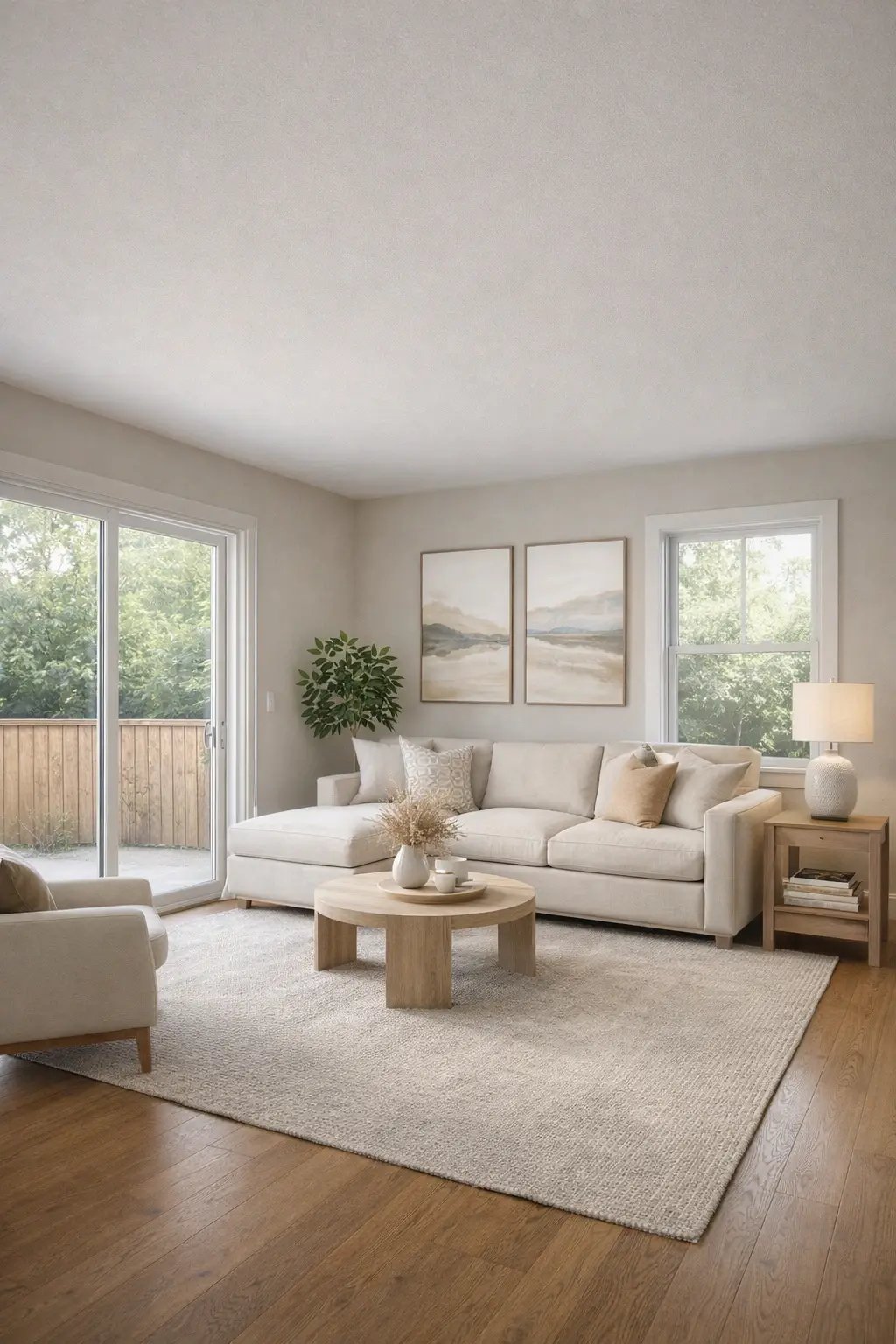
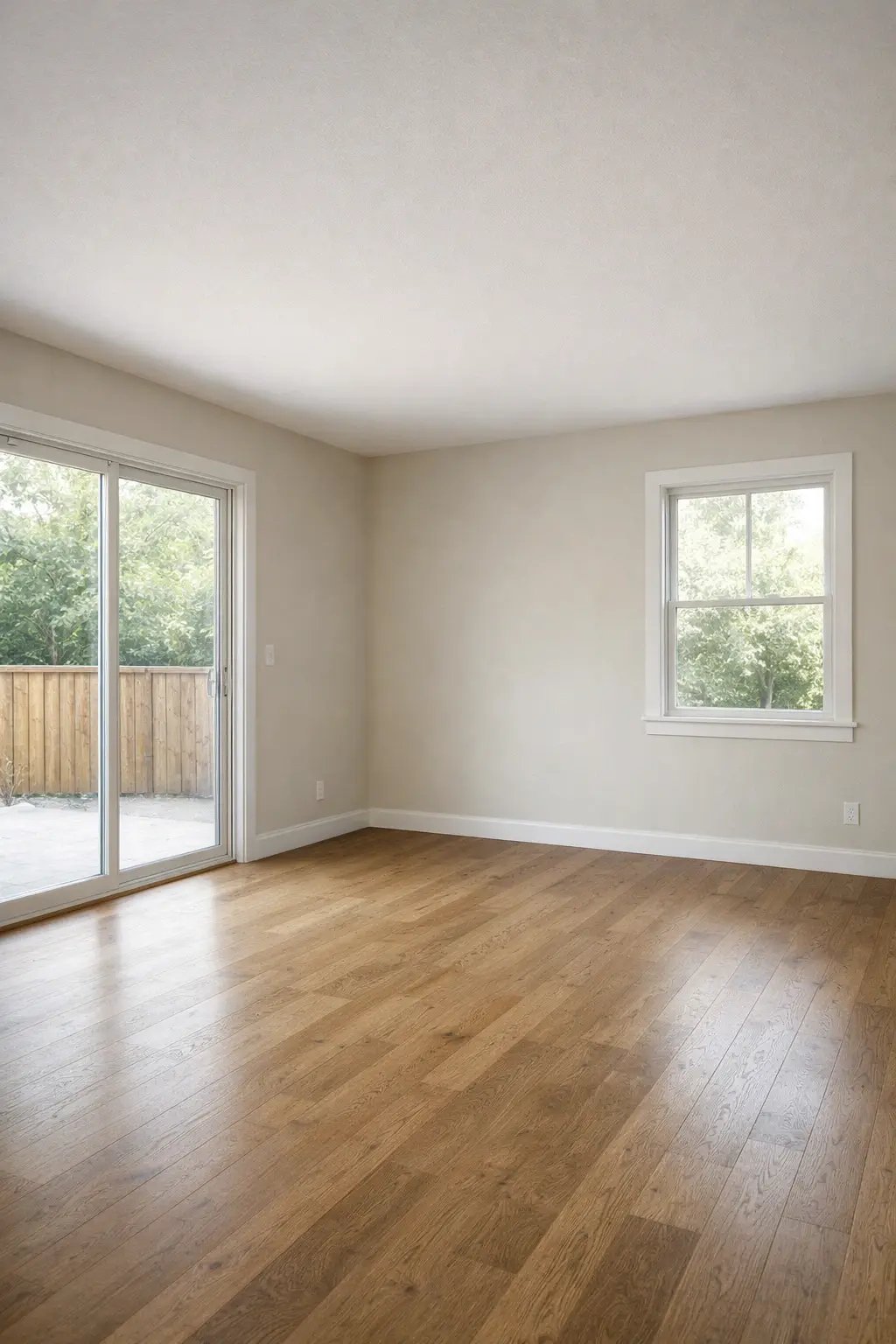
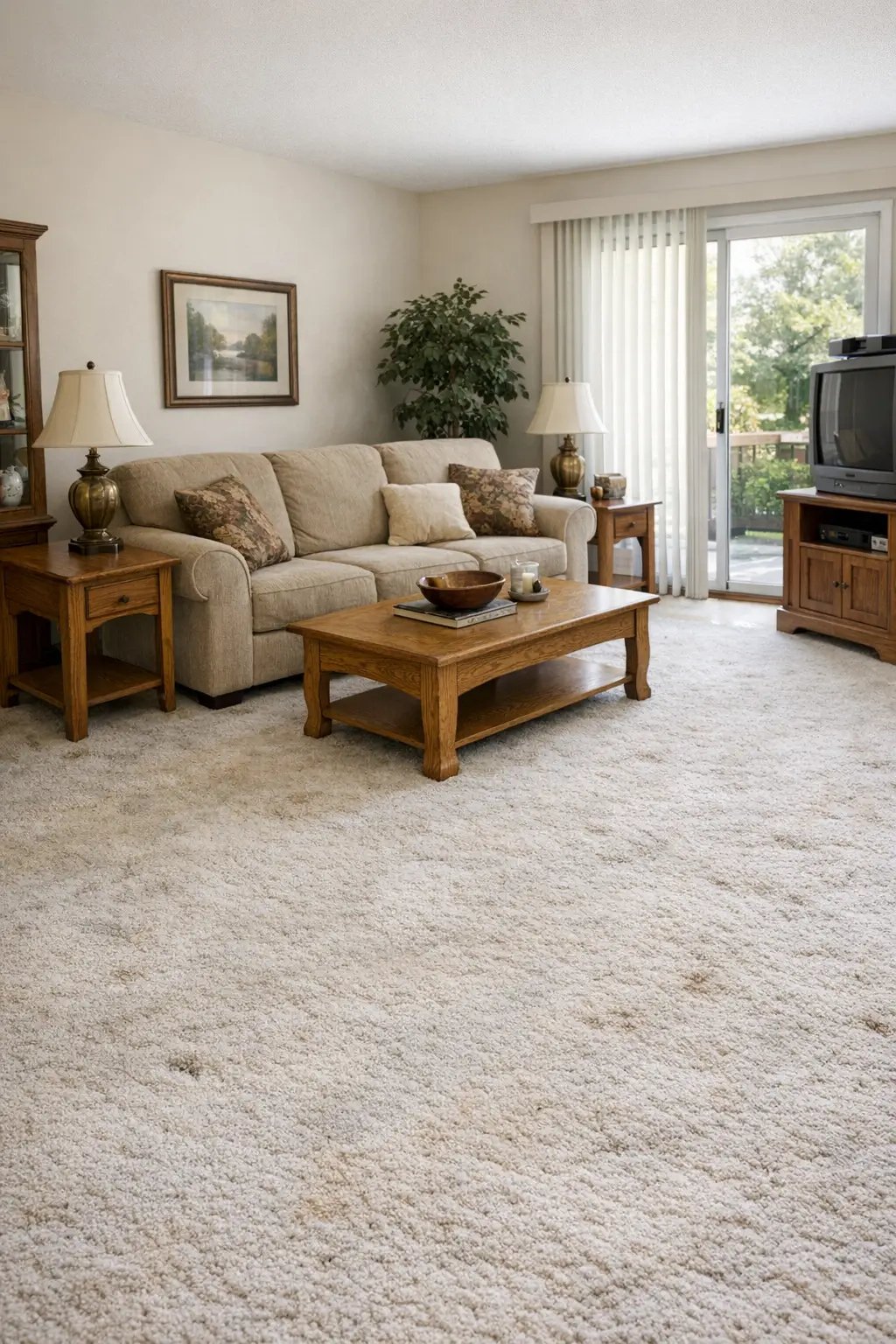
Try wood, stone, tile and other flooring directions while keeping the room intact.
Explore feature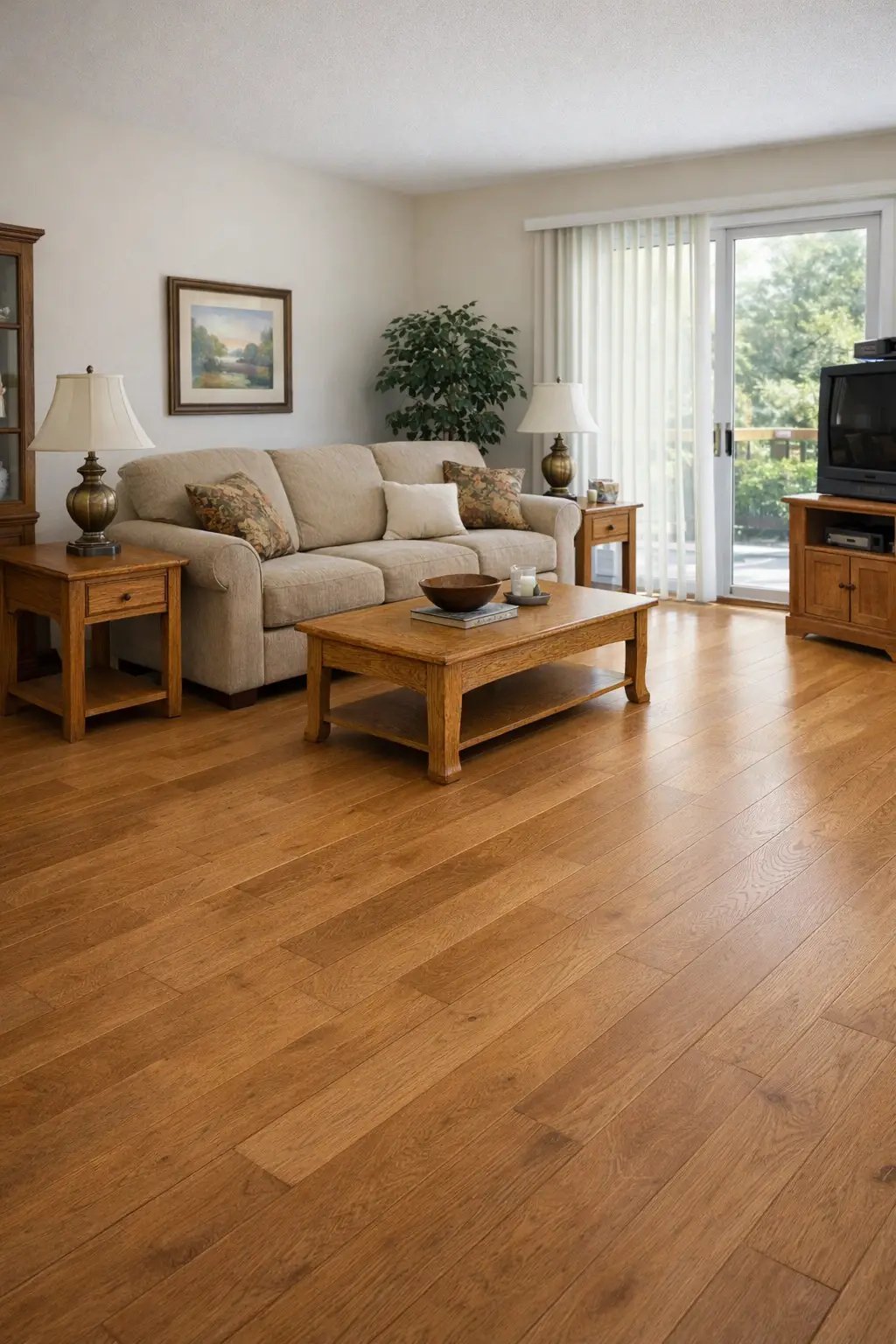
Explore cabinet colours, materials and styles against your existing room finishes.
Explore feature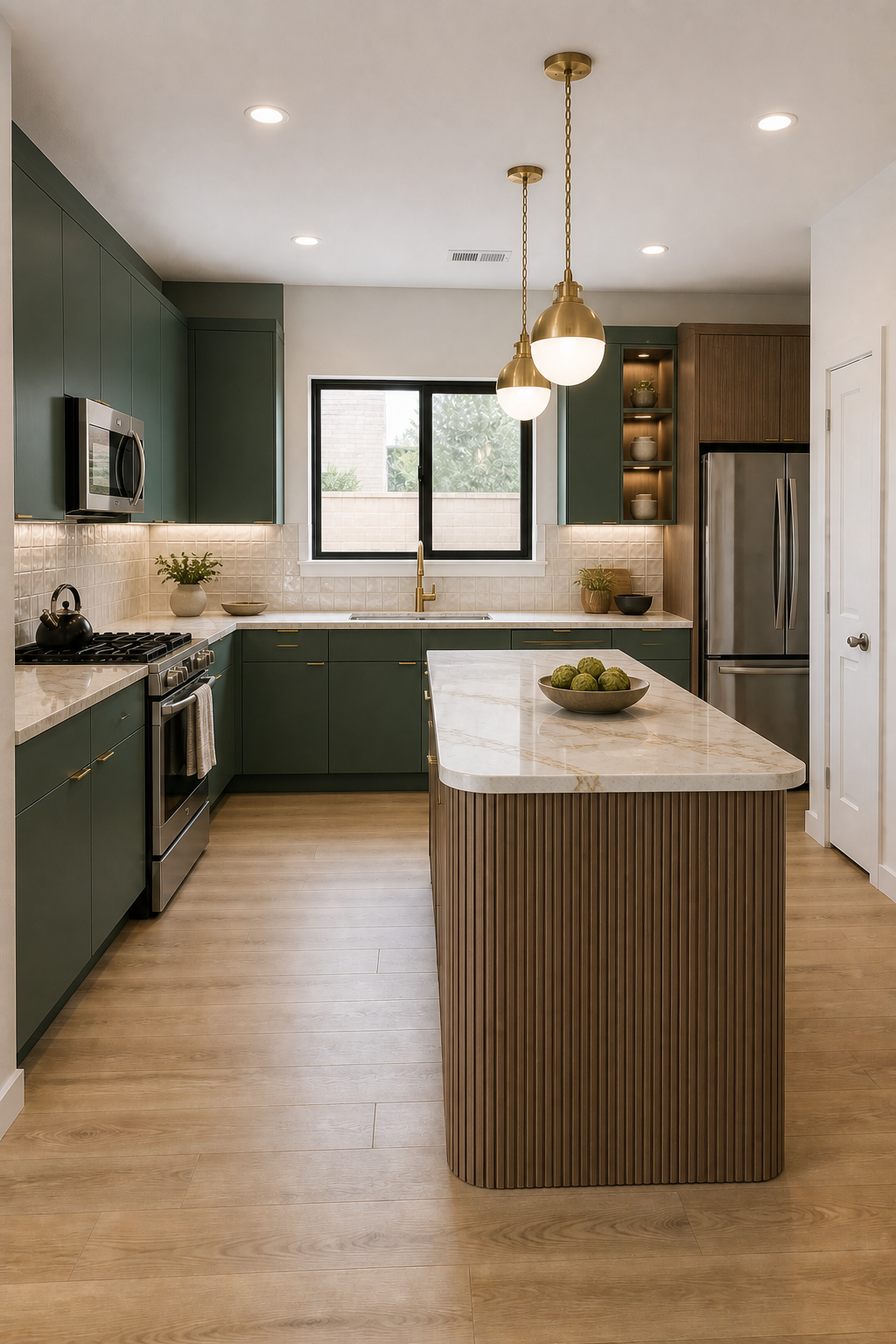
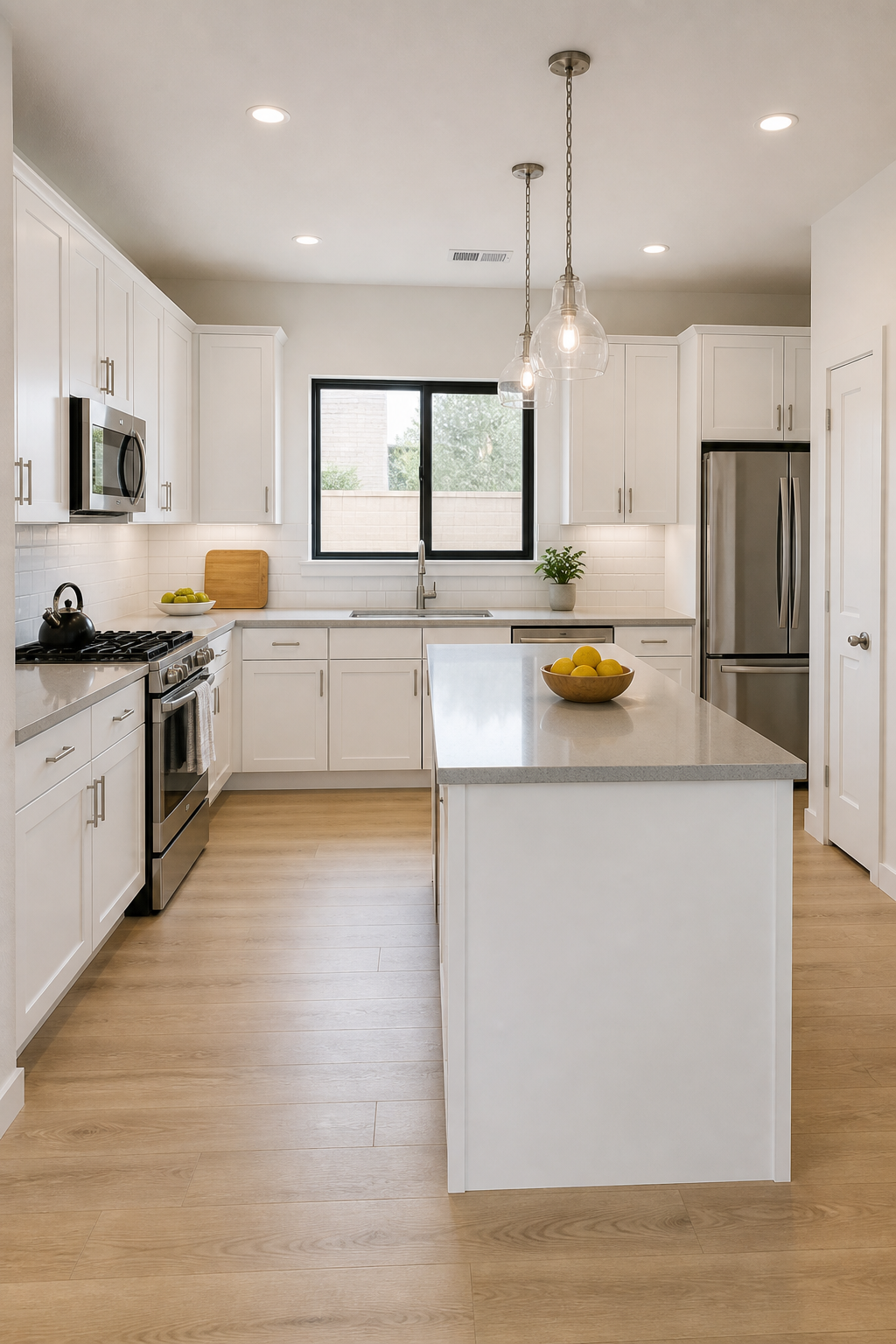
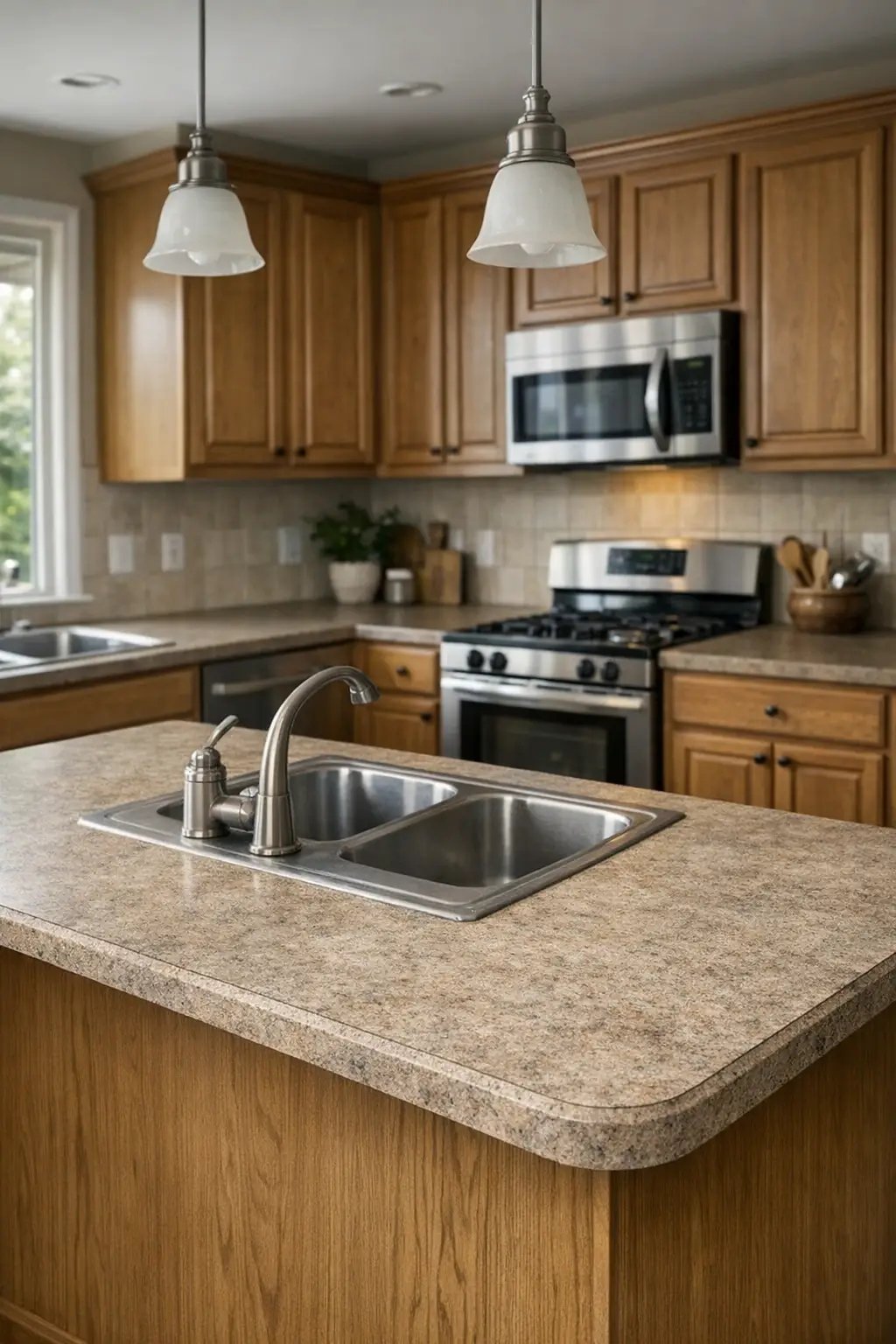
Compare countertop materials and colours with your cabinets, walls and flooring.
Explore feature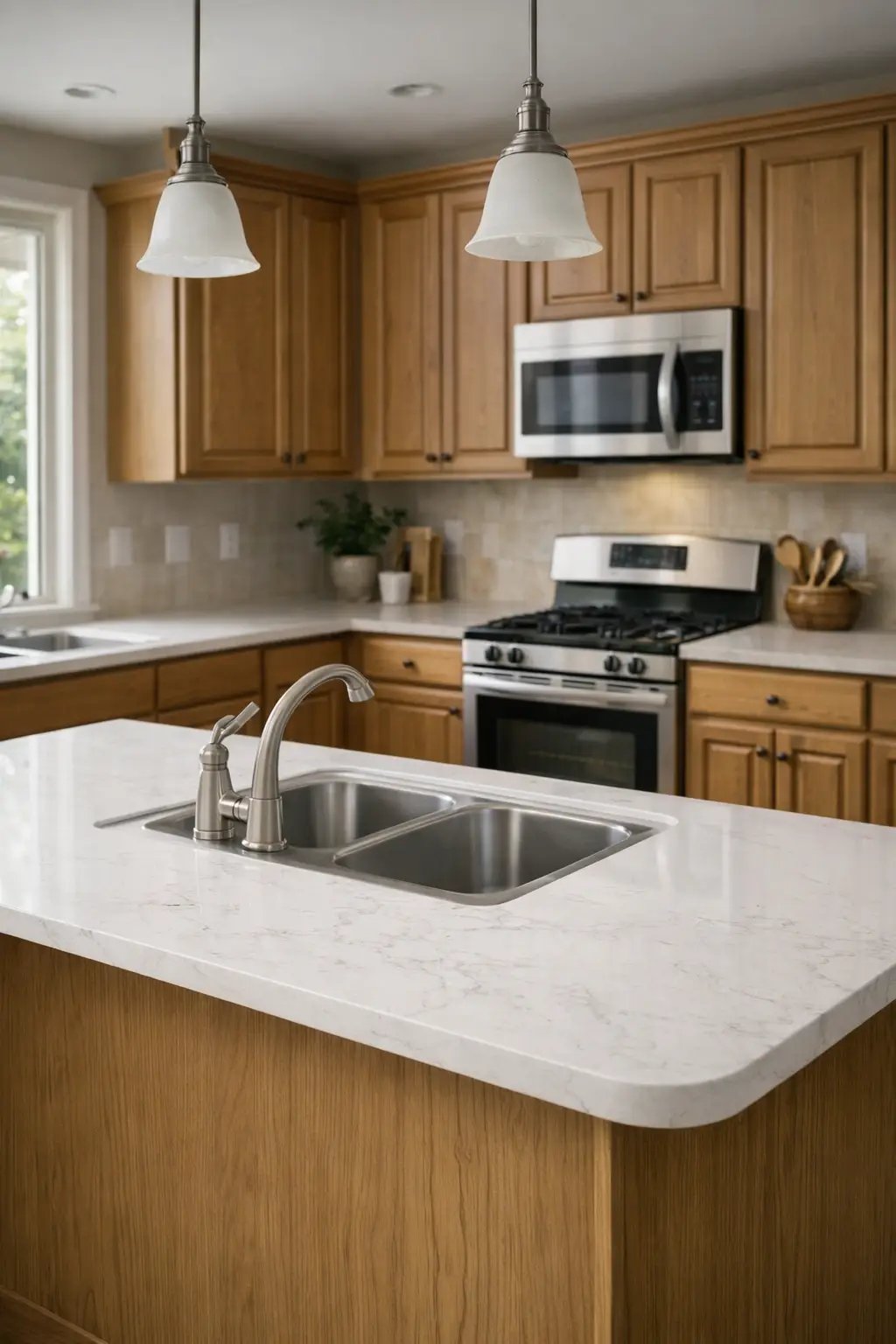
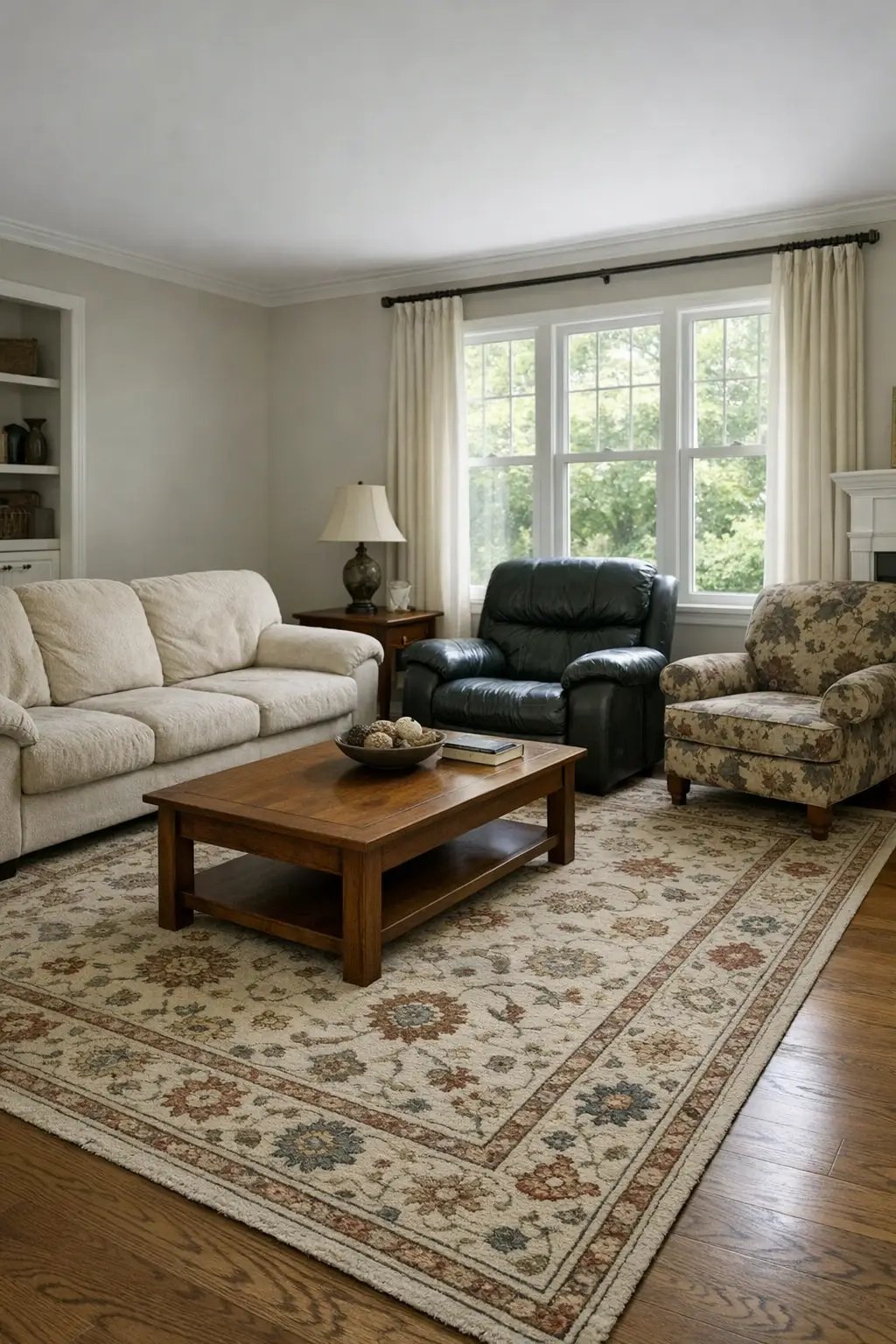
Swap dated pieces for a coordinated furniture direction before you start shopping.
Explore feature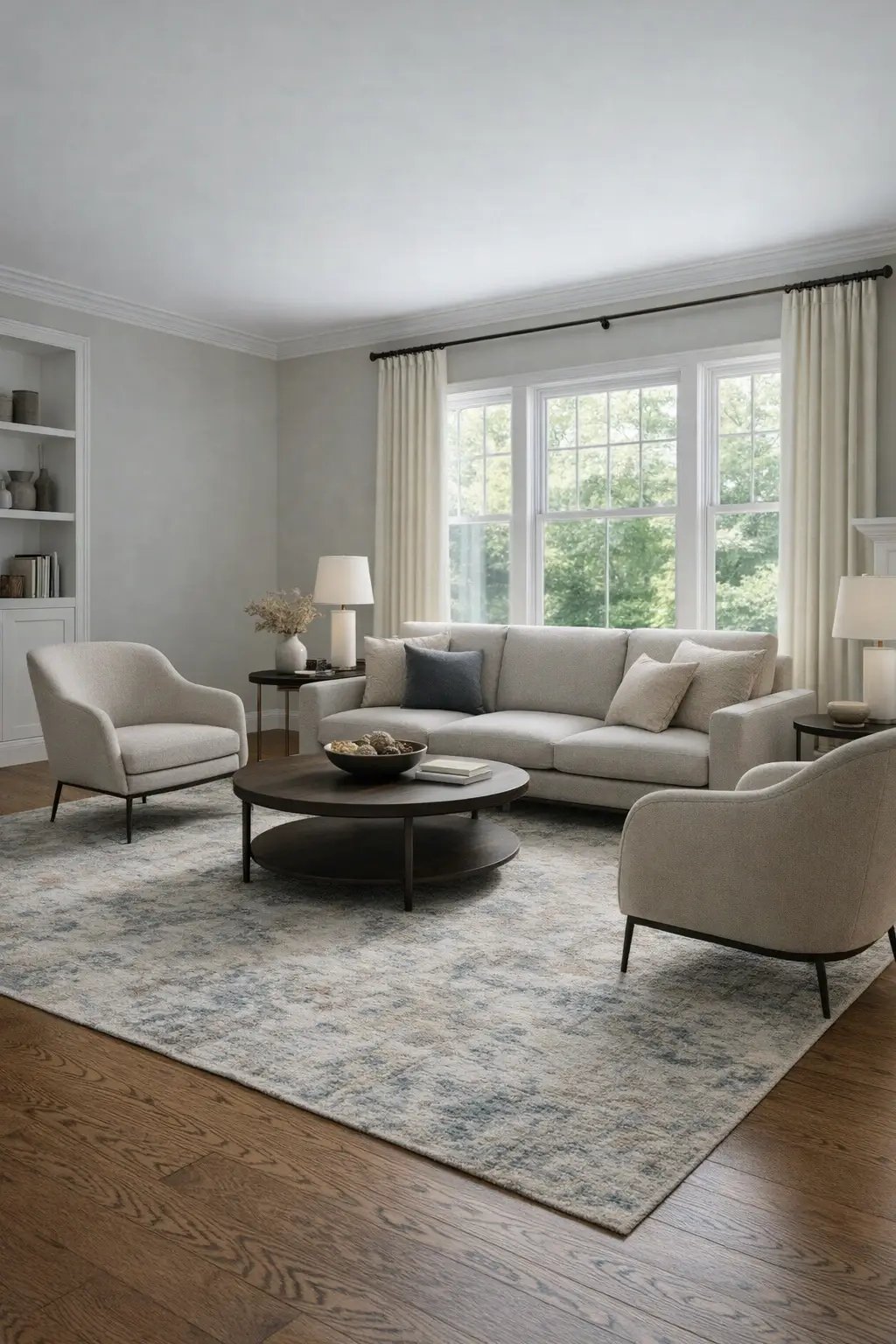
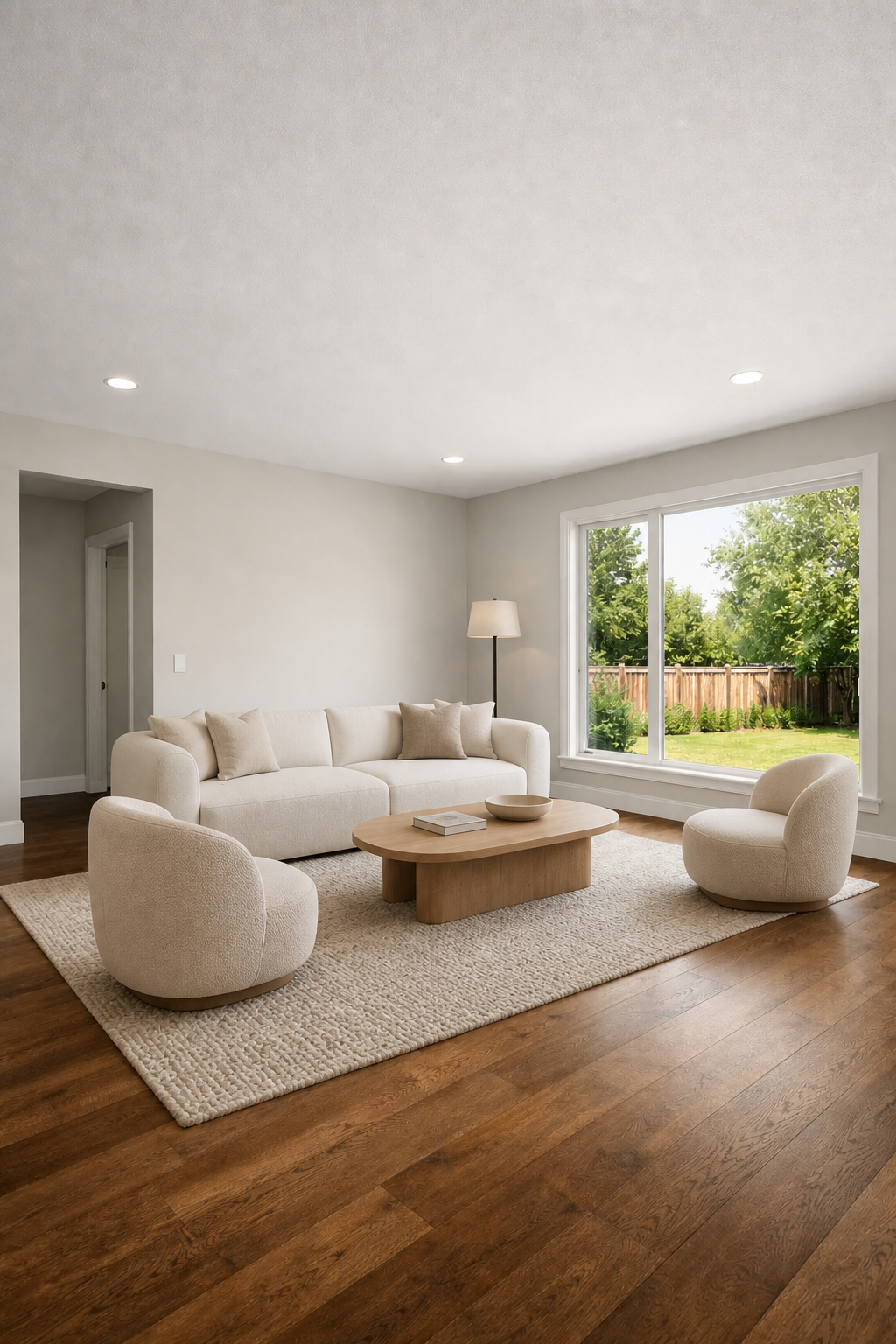
Clear furniture and clutter from a room photo to reveal a clean starting point.
Explore feature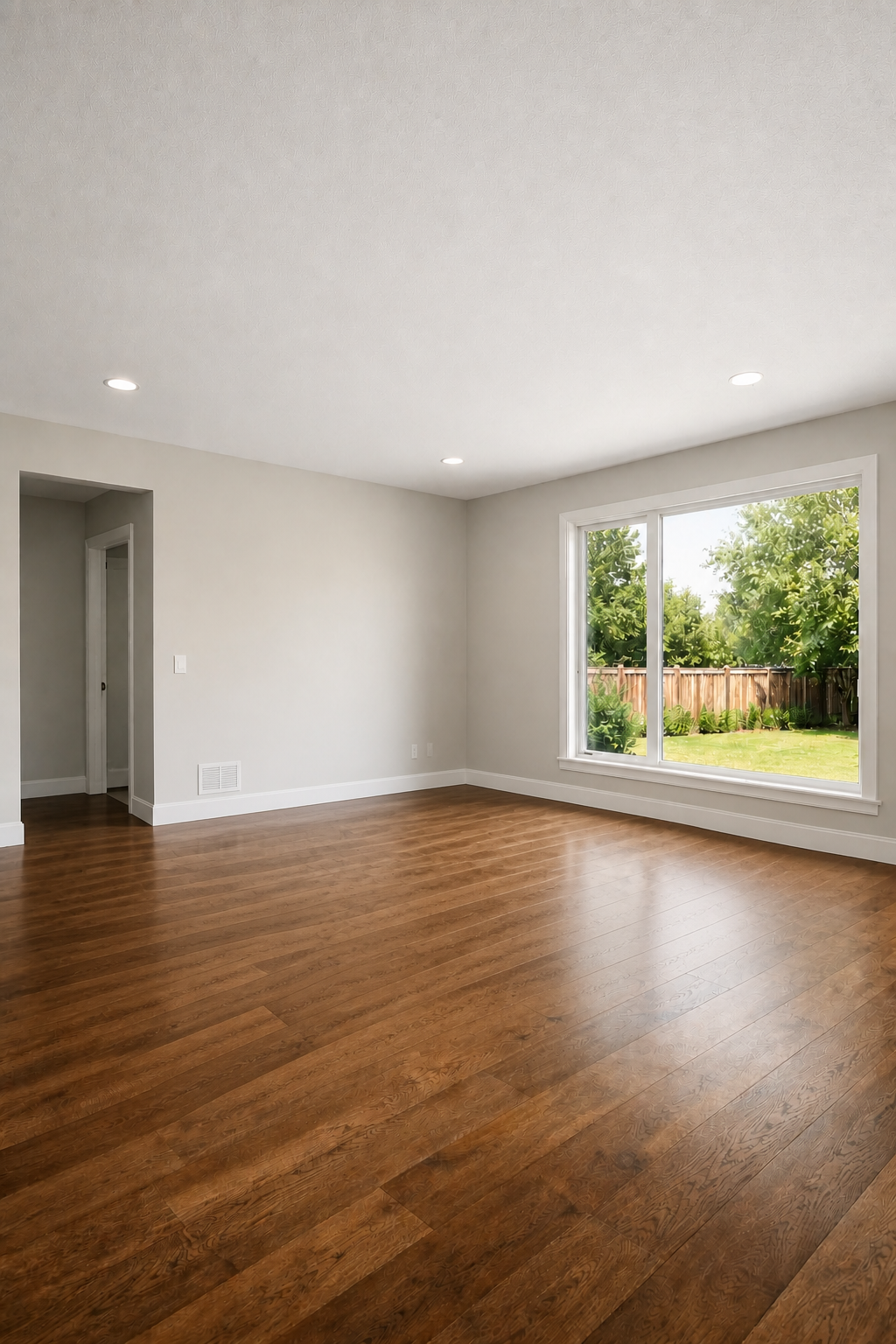
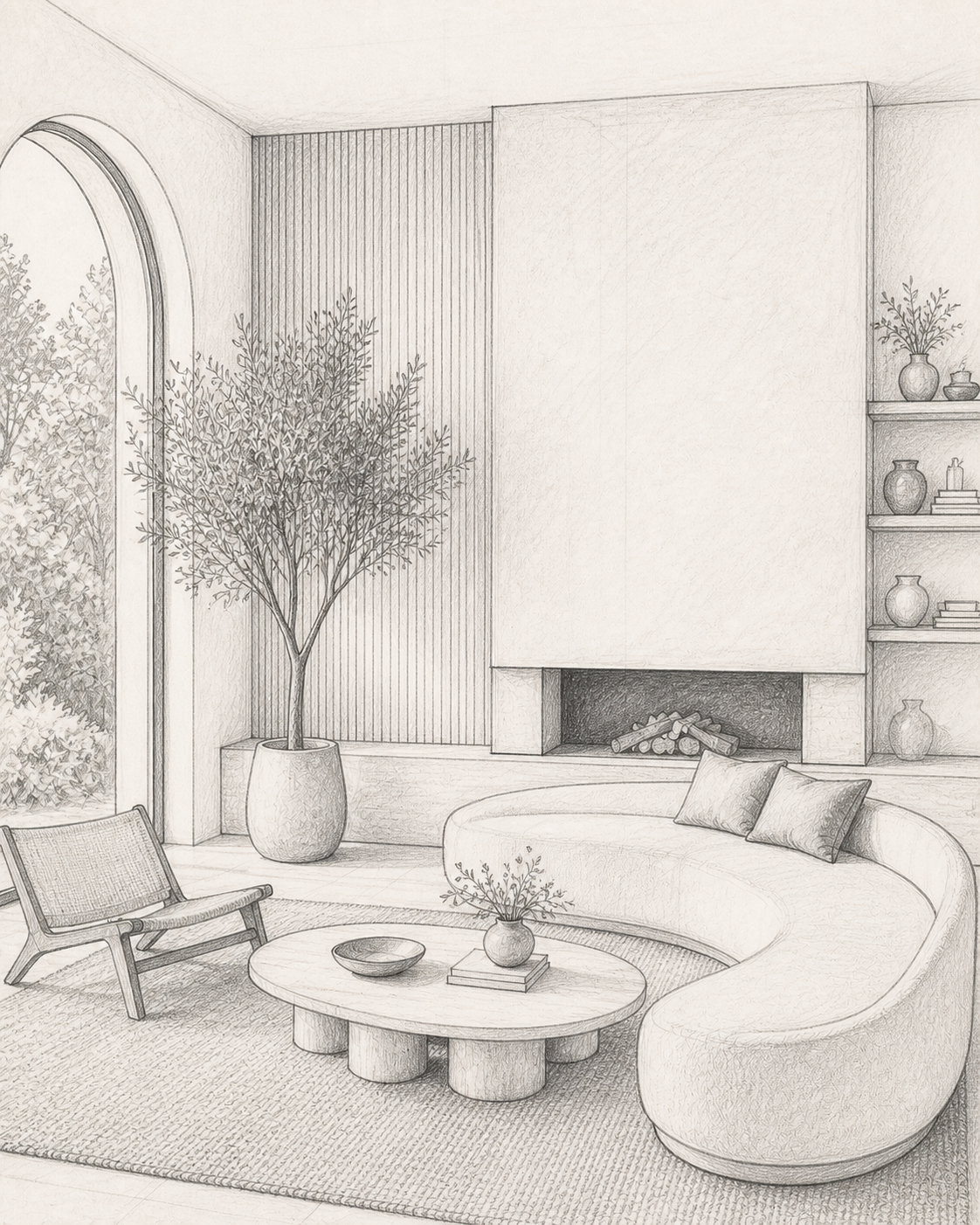
Turn an early architectural sketch into a clear, photorealistic design direction.
Explore feature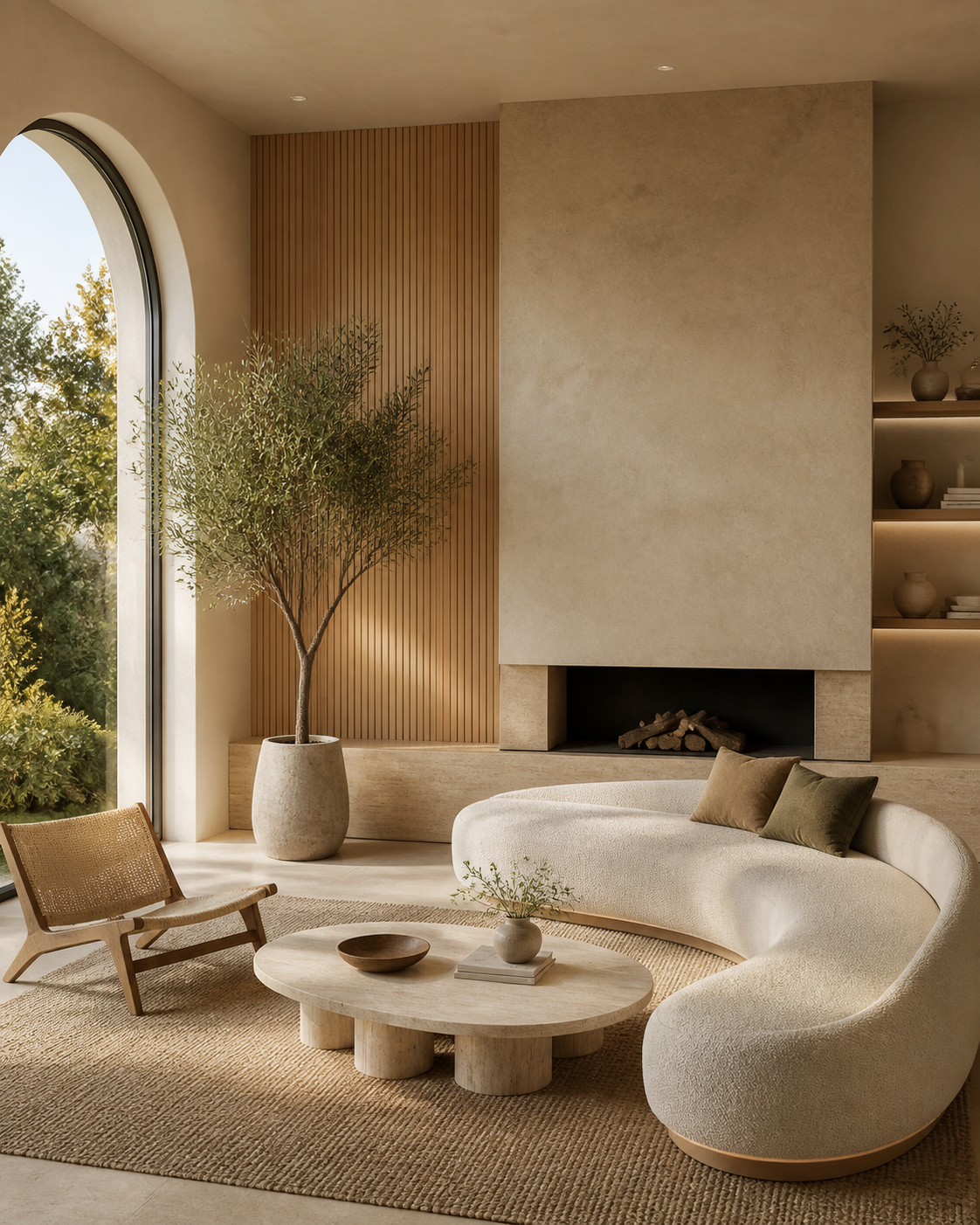
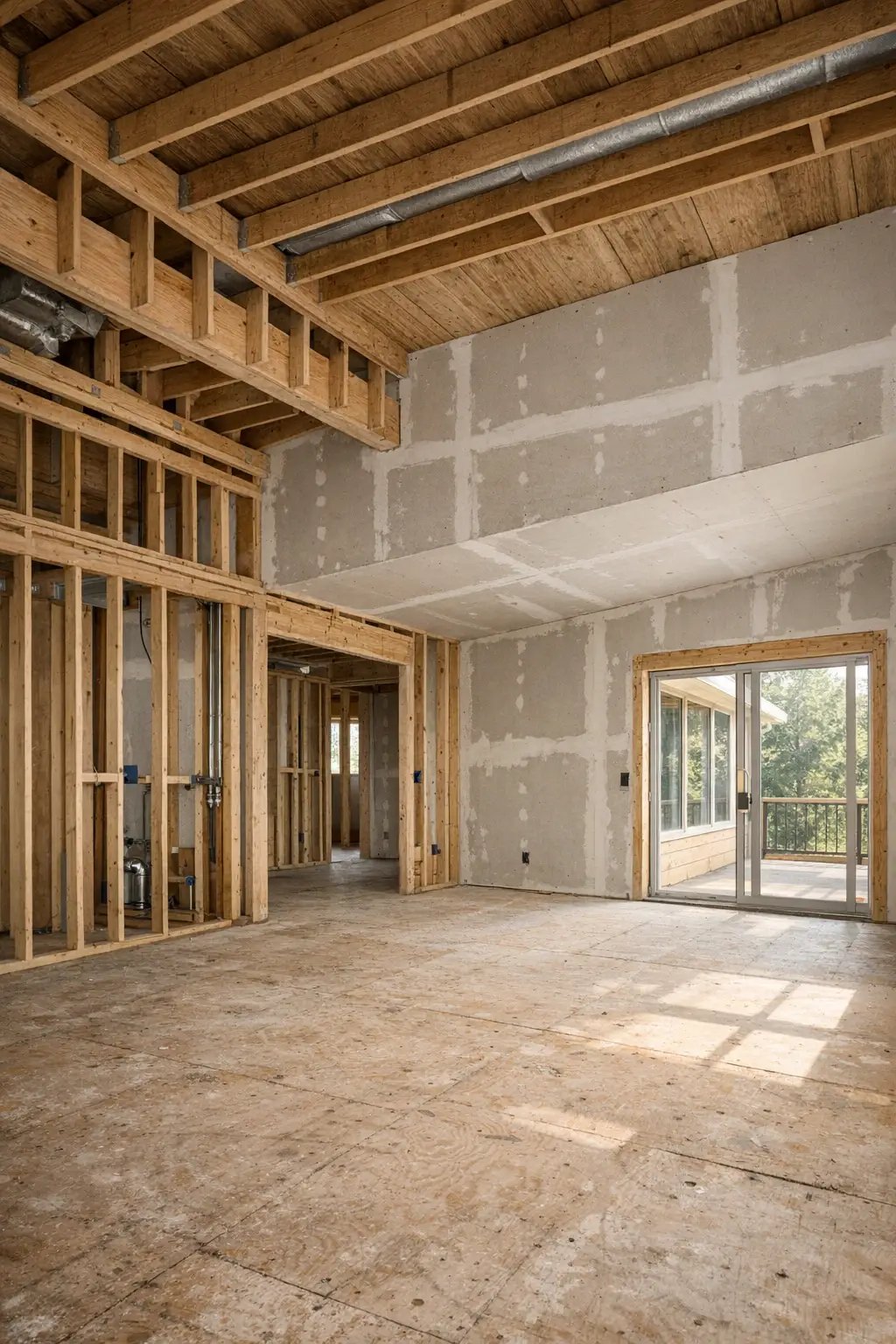
Convert an unfinished space into a visual reference for the completed interior.
Explore feature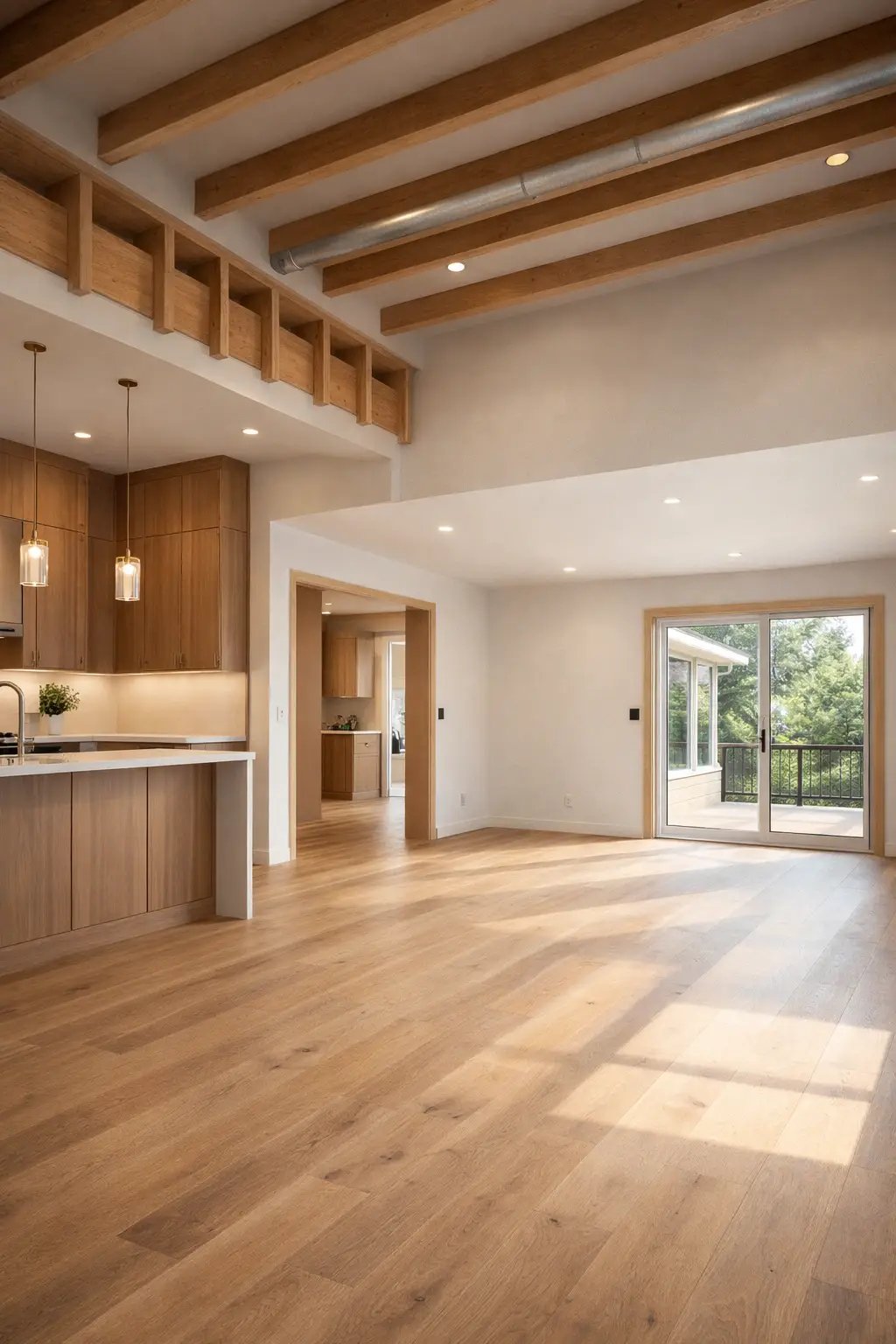
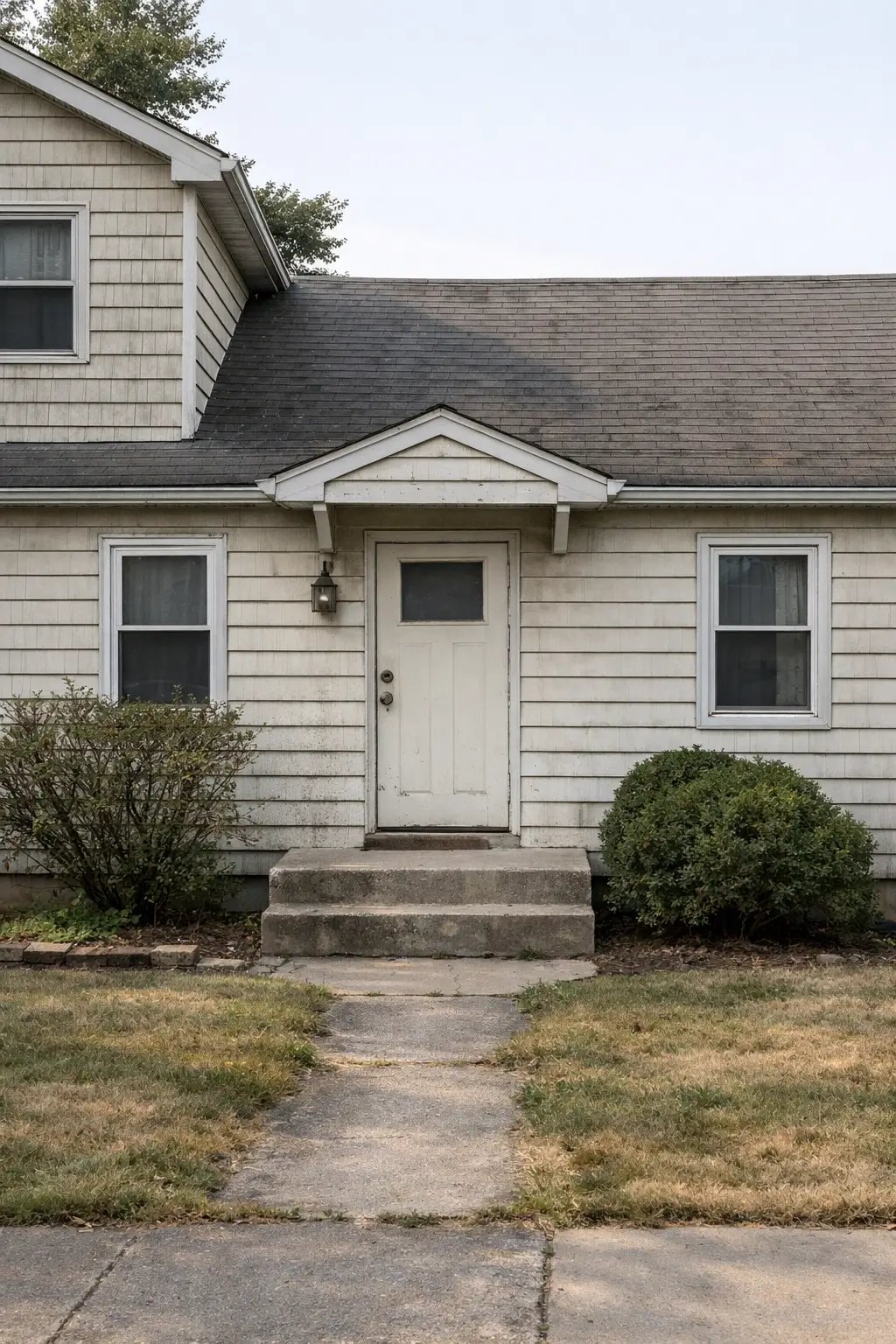
Explore facade materials, colours and curb-appeal updates on your actual property.
Explore feature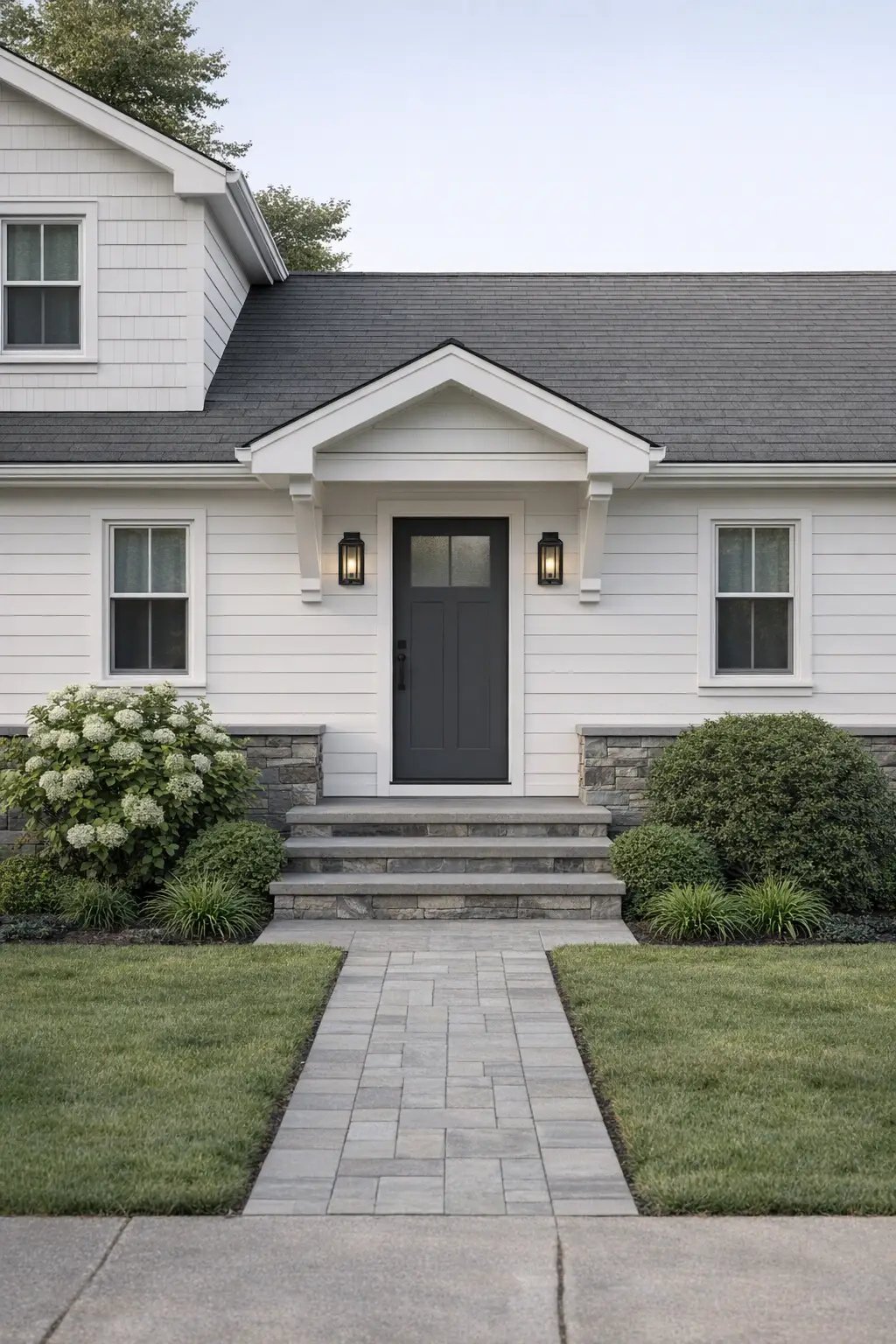
Don’t just take our word for it—see what our customers have to say about their experience!
“AI Smart Decor helped us turn empty listing photos into warm, buyer-friendly rooms before the property went live.”
“I used it to compare paint colors and furniture layouts before ordering anything. Seeing the room first made the makeover feel less risky.”
“The best part is speed. I can show clients several visual directions in minutes instead of waiting days for mood boards.”
Choose the plan that fits your project. Cancel anytime.
For home projects
billed yearly at $108
200 images each month
No realtime credits
For frequent designing
billed yearly at $449
2,000 images each month
5,400 realtime credits
On plans with realtime access, credits are spent only while you're actively generating. When you pause, the live session winds down within a few seconds and stops counting automatically.
Everything you need to know before uploading your first room.
Yes. You can create furnished virtual staging concepts, clean redesign directions, and listing-ready visual options from room photos.
No. You can preview focused changes like wall colors, flooring, countertops, cabinet finishes, furniture replacement, and partial remodels.
Yes. The incremental editing flow lets you refine a design step by step instead of starting from scratch for every change.
No. Upload a photo, choose a direction, and describe what you want changed in plain language.
Use a bright, stable photo that shows the room clearly. Wide room photos work best for full redesigns and staging.
Upload a photo and create your first redesign in less than a minute.


